

Starting Affiliate Marketing: A Friendly Step-by-Step Guide for Beginners
Have you ever wondered how people earn income by sharing products they love online? Affiliate marketing offers a wonderful way to build a side business from home. By understanding the basics and setting realistic goals, you can create a helpful resource for others while earning commissions. It is a journey of consistency, trust, and providing genuine value to your readers. To succeed, you need more than just links; you need a strategy. For example, many successful creators use Veeso AI to turn their advice into eye-catching graphics instantly. Research shows that articles with high-quality visuals receive much more engagement. Exploring resources like the Federal Trade Commission guidelines ensures you stay compliant while building your new digital presence. This guide walks you through every essential step, from choosing your niche to designing your first banner. You will learn how to provide real value to your audience while avoiding common pitfalls. By the end, you will have a clear roadmap to launch your affiliate journey with confidence, a professional aesthetic, and a heart for helping your community.

How to Elevate Your Brand with Japanese Brush Fonts
Visual storytelling goes beyond just choosing a color palette; it's about the soul of your brand. Japanese brush fonts offer a unique blend of heritage and emotion that standard typefaces simply cannot match. By understanding how these strokes influence perception, you can transform simple announcements into compelling narratives that resonate deeply with your audience on a personal level. Take the example of a local organic tea company that struggled with a generic digital presence. By switching their headlines to a textured, hand-drawn brush style, they saw a 40% increase in social media engagement. This shift didn't just look better; it communicated authenticity and craftsmanship. You can achieve similar results by selecting fonts that align with your specific brand values. Ready to start? Focus on finding high-quality, commercially-safe fonts and pairing them with clean layouts. Tools like Veeso AI can help you bridge the gap between complex typography and professional design effortlessly. Remember, the goal is to guide your reader through a beautiful, easy-to-read experience. Let’s explore how you can master this artistic approach to modern marketing today.

How to Use Calligraphy Fonts for Better Branding
First impressions matter more than ever in digital marketing. Choosing the right typography can transform a simple message into a powerful emotional connection with your audience. Many small teams struggle to create professional visuals that look authentic without spending hours on complex design software. Understanding the principles of calligraphy helps you add that personal, human touch to your brand identity. Practical application involves selecting one decorative script and pairing it with a clean, readable font. For example, a local bakery used an elegant script for their logo but kept their menu in a simple sans-serif to ensure clarity. Research from sources like the Nielsen Norman Group shows that visual hierarchy guides the reader's eye effectively. Content-first design tools like Veeso AI make this process even faster for busy professionals. You don't need a massive budget to achieve high-end results. Start by exploring free resources like Google Fonts and learning the basics of font pairing. By focusing on consistency and readability, you can build a credible and engaging brand. Embrace modern technology to automate the repetitive parts of design, allowing you to focus on your core business goals and creative vision.
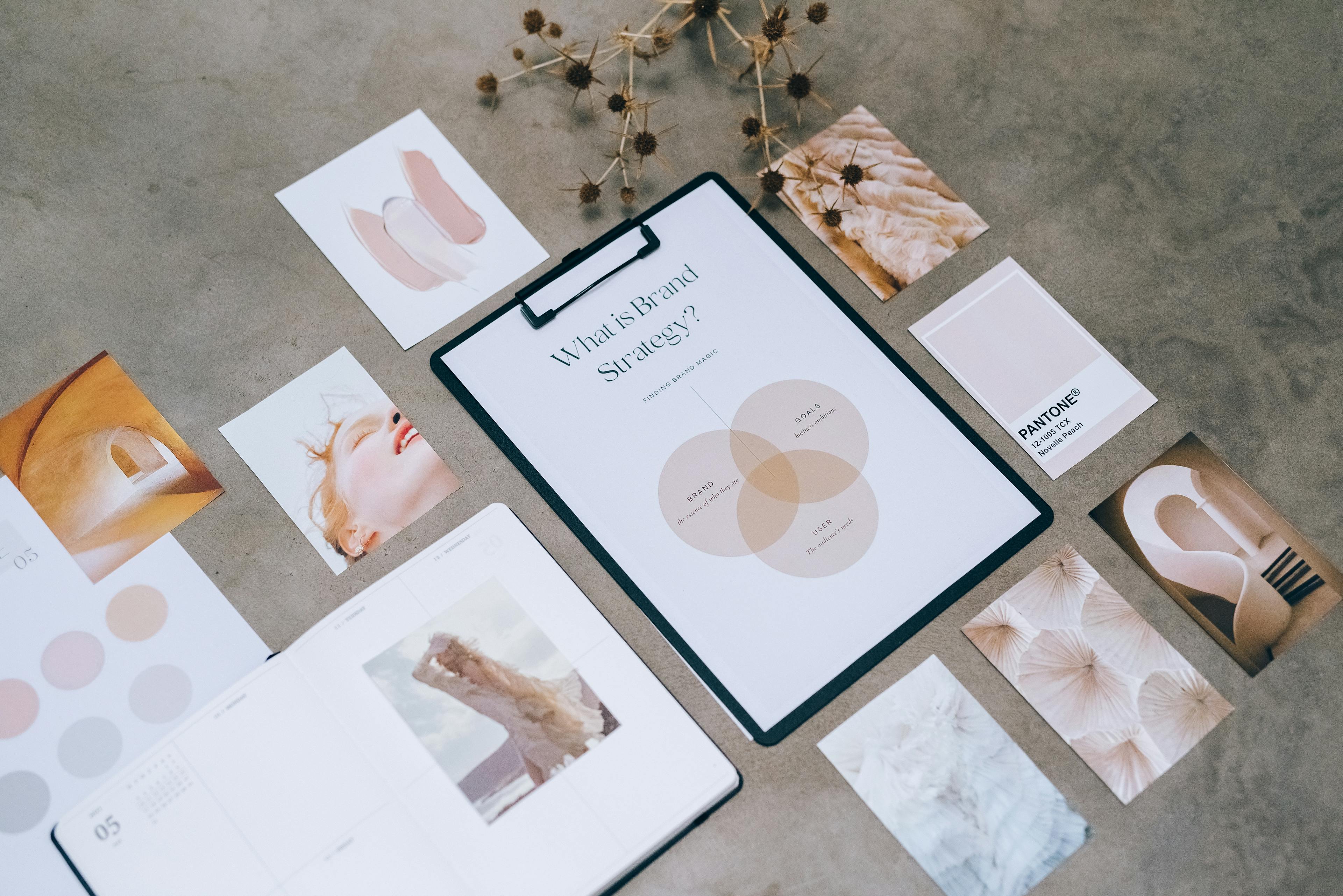
How To Create Professional Visuals Without A Design Team
Visuals drive the modern digital landscape, yet many small business teams face significant hurdles when manual tools fail or specialized designers are unavailable. You need a reliable way to transform your ideas into clear graphics without the bottleneck of steep learning curves. Understanding the principles of visual communication allows you to share your message with confidence and authority. Consider a marketing manager who recently used modern automation to convert a long technical document into an engaging social media carousel in minutes. By focusing on the content rather than manual pixel-pushing, the team maintained a consistent posting schedule and increased engagement by forty percent. This shift in workflow empowers anyone to produce polished assets that look like a pro created them. This guide explores how you can streamline your visual content creation and reclaim your time. You can explore insights from the Nielsen Norman Group on visual hierarchy or use Veeso AI to turn your copywriting into finished designs instantly. Start focusing on your message today and let the right tools handle the complex layout work for you.

Empowering Your Blog With Professional Visuals Easily
Capturing your reader's attention starts long before they read your first sentence. In a crowded digital landscape, high-quality visuals act as the welcoming door to your ideas. Small teams often struggle to produce these assets without a dedicated designer on staff. However, modern visual communication strategies show that consistent imagery significantly improves user trust and information retention across all platforms. Many successful platforms now integrate creative tools directly into their dashboards to help users succeed. For instance, some blog services allow you to generate thumbnails without leaving the editor. Marketing teams are finding success using Veeso AI (https://veeso.ai) to turn their written words into polished slides instantly. This shift allows creators to focus on their unique stories rather than wrestling with complex and expensive design software. You don't need years of training to make your blog look professional today. By leveraging smart templates and automated features, you can maintain a high standard of design with minimal effort. Start by identifying which parts of your creation workflow feel slow or difficult. Embracing accessible design technology is the best way to ensure your message reaches and resonates with your target audience.
FAQ
Our Learn & Blog section covers a wide range of topics including AI design best practices, content creation strategies, marketing tips, design tutorials, case studies, and insights on how to use Veeso AI effectively. We regularly publish articles to help you create better designs and improve your workflow.
We publish new articles regularly to keep you updated with the latest trends, tips, and best practices in AI-powered design. Check back frequently or subscribe to stay informed about new content.
Yes! We welcome suggestions for topics you'd like to see covered. Feel free to reach out to us through our contact page or social media channels with your ideas.
Absolutely! Our tutorials are designed to be accessible to users of all skill levels, from complete beginners to experienced designers. Each tutorial includes step-by-step instructions and clear explanations.
Yes, you're welcome to share our articles! We encourage sharing on social media and with your team. Each article includes social sharing options for your convenience.
Yes! Our articles often include real-world examples, case studies, and practical tips that you can apply immediately to your own design projects. We focus on actionable insights rather than just theory.
You can stay updated by visiting the Learn & Blog section regularly, or follow us on social media where we announce new articles. We also recommend bookmarking the page for easy access.
While our blog focuses primarily on written content and tutorials, we occasionally include video content and links to video resources. Check individual articles for multimedia content.
Yes! The examples and templates shared in our articles are meant to inspire and guide your own projects. Feel free to adapt the concepts and ideas to fit your specific needs.
You can browse articles by scrolling through the Learn & Blog page. Articles are organized chronologically, and you can use the search function (if available) or browse by category tags to find content on specific topics.