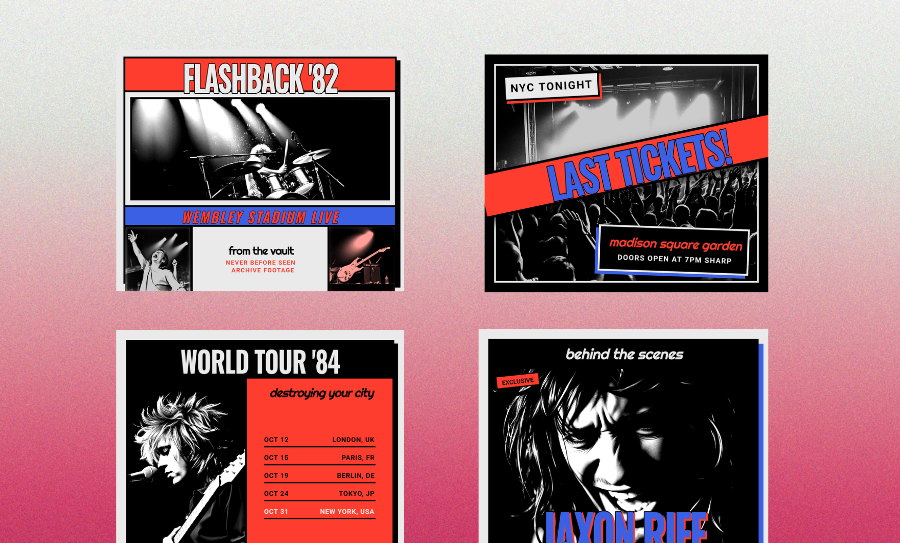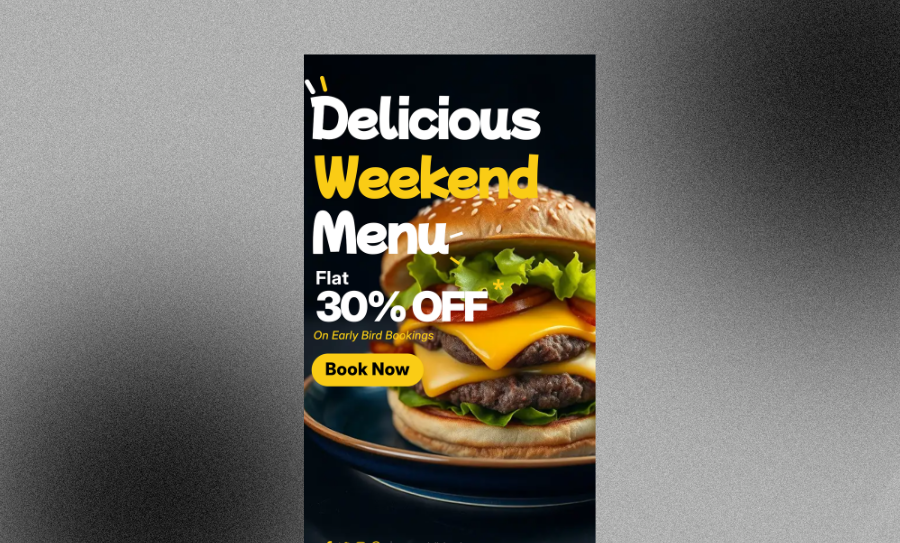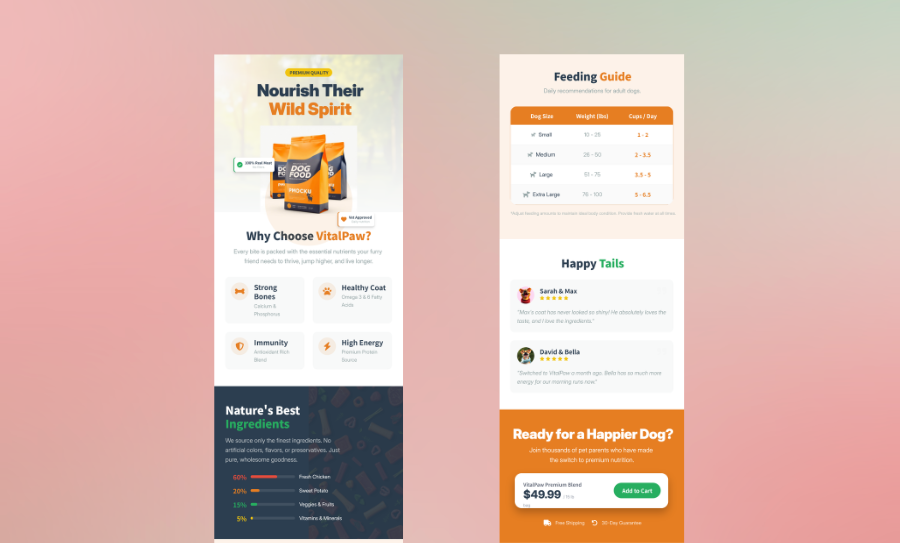
Create Custom YouTube Thumbnails with an Easy Online Generator
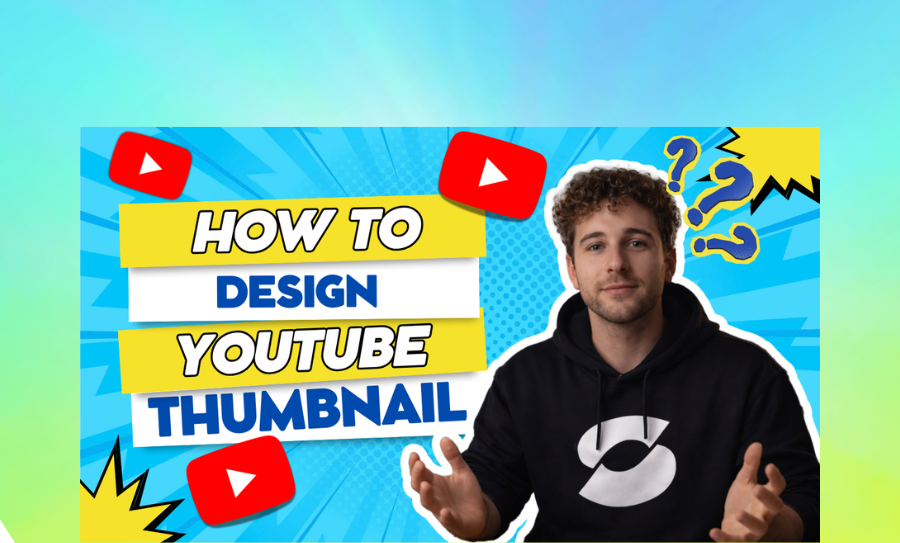
Stop losing viewers to boring covers. Create YouTube thumbnails online free for gaming or vlogs. Pick a style and get a high-resolution export today.
세 가지 생성 방법 professional social media graphics
AI YouTube Thumbnail Maker Prompts
Type a quick description of your visual. The AI builds a custom layout from scratch. It is the fastest way to get a unique look.
- Unique AI-generated backgrounds
- Smart text placement
- High-resolution export
- Custom color grading
Free YouTube Thumbnail Template Styles
Browse a library of high-energy designs. Pick a style that fits your channel vibe. Then just swap the text and photos.
- 1280x720 pixels ready
- Gaming thumbnail generator styles
- Bold typography styles
- 16:9 aspect ratio
Smart Text-to-Layout Designs
Got a catchy visual title? Paste it in and watch the magic happen. This tool turns copy into a polished graphic.
- Visual hierarchy focus
- CTR optimization
- Editable PNG and JPEG
- Professional thumbnail design
Veeso를 선택해야 하는 이유, click-worthy thumbnail covers
Boost Your CTR Instantly
Stop the scroll with bold, high-contrast text. You need viewers to click fast. This YouTube thumbnail generator makes your hook pop effortlessly.
무료로 시작하기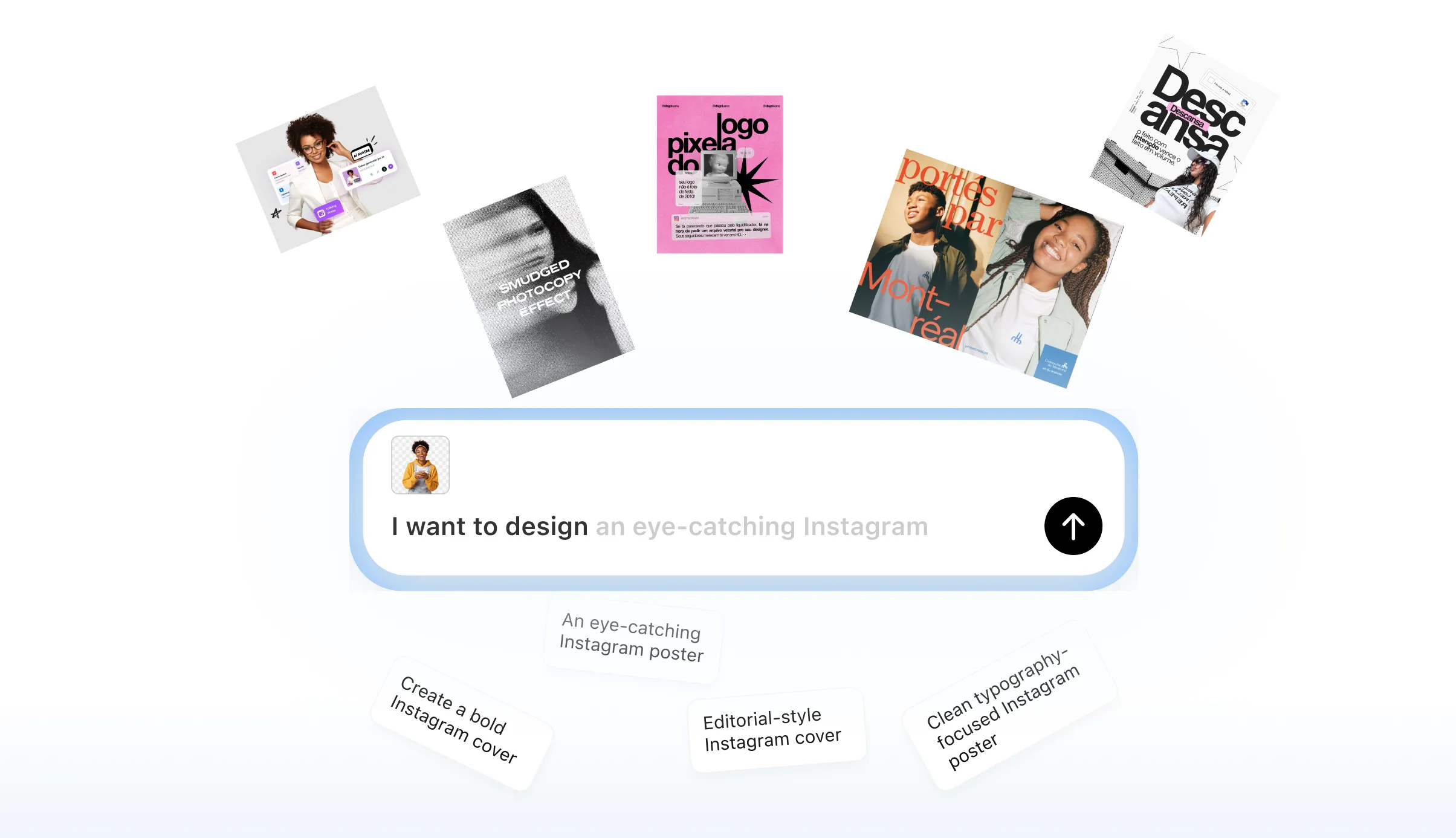
Pass the Phone Test
Most people watch on tiny screens. Your text must be huge and clear. These custom thumbnail maker layouts keep everything legible at small sizes.
무료로 시작하기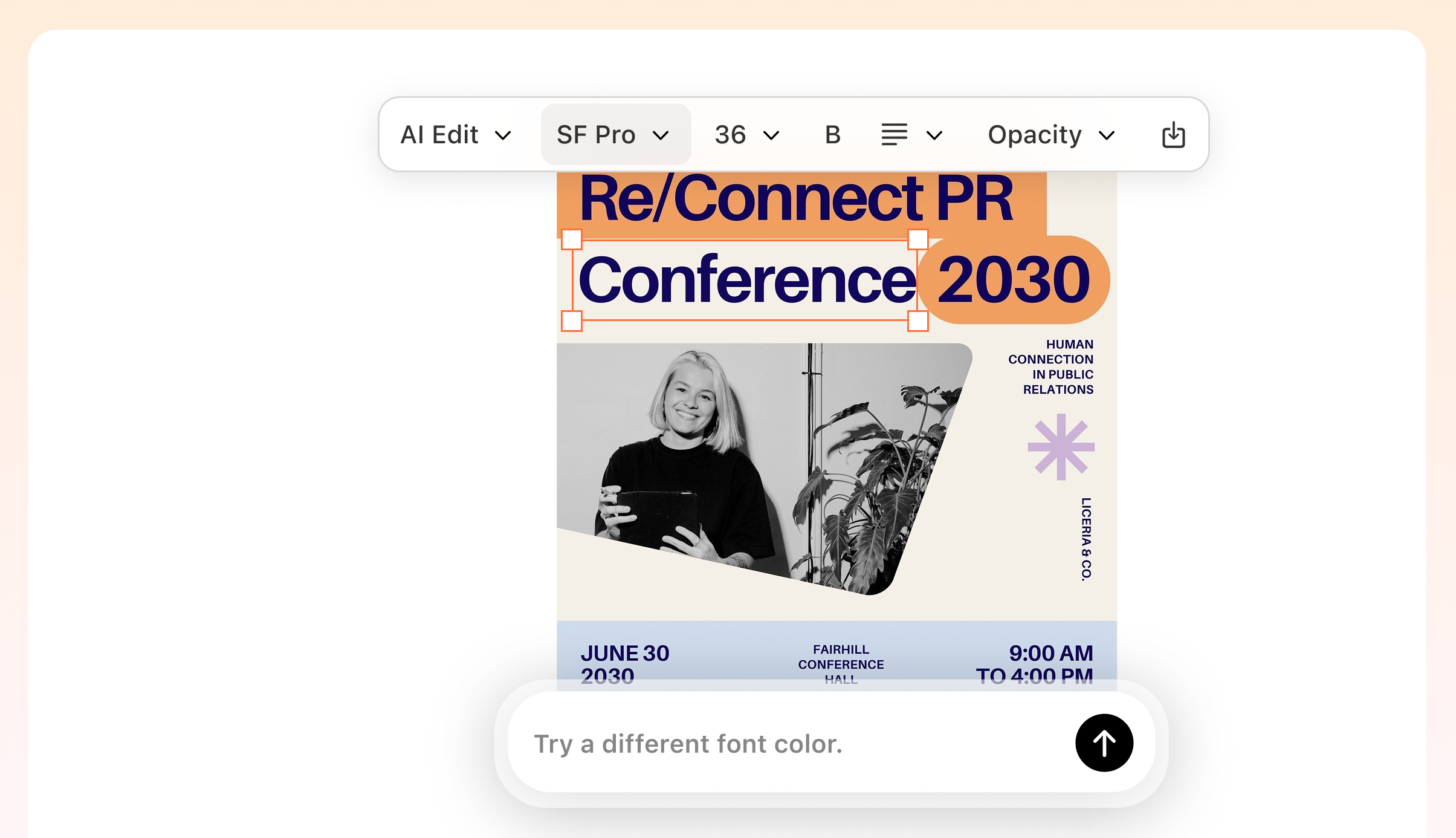
Pro Subject Cutouts
Make yourself the star of the show. Add a clean border or glow to your face. Veeso AI handles the visual hierarchy automatically.
무료로 시작하기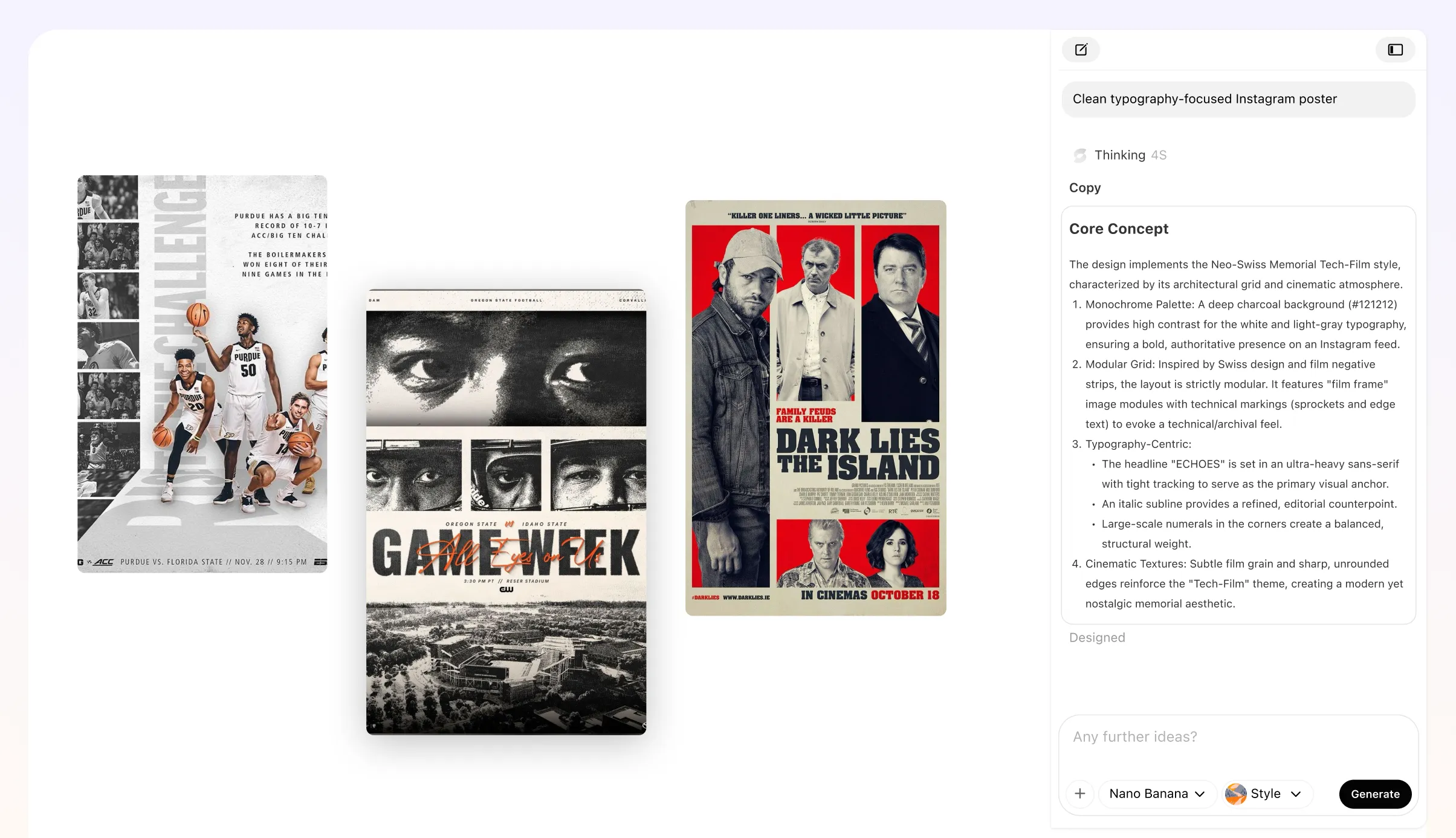
Perfect 1280x720 Framing
Don't let the timestamp hide your text. Every design uses the exact 16:9 aspect ratio. You get pixel-perfect results every single time.
무료로 시작하기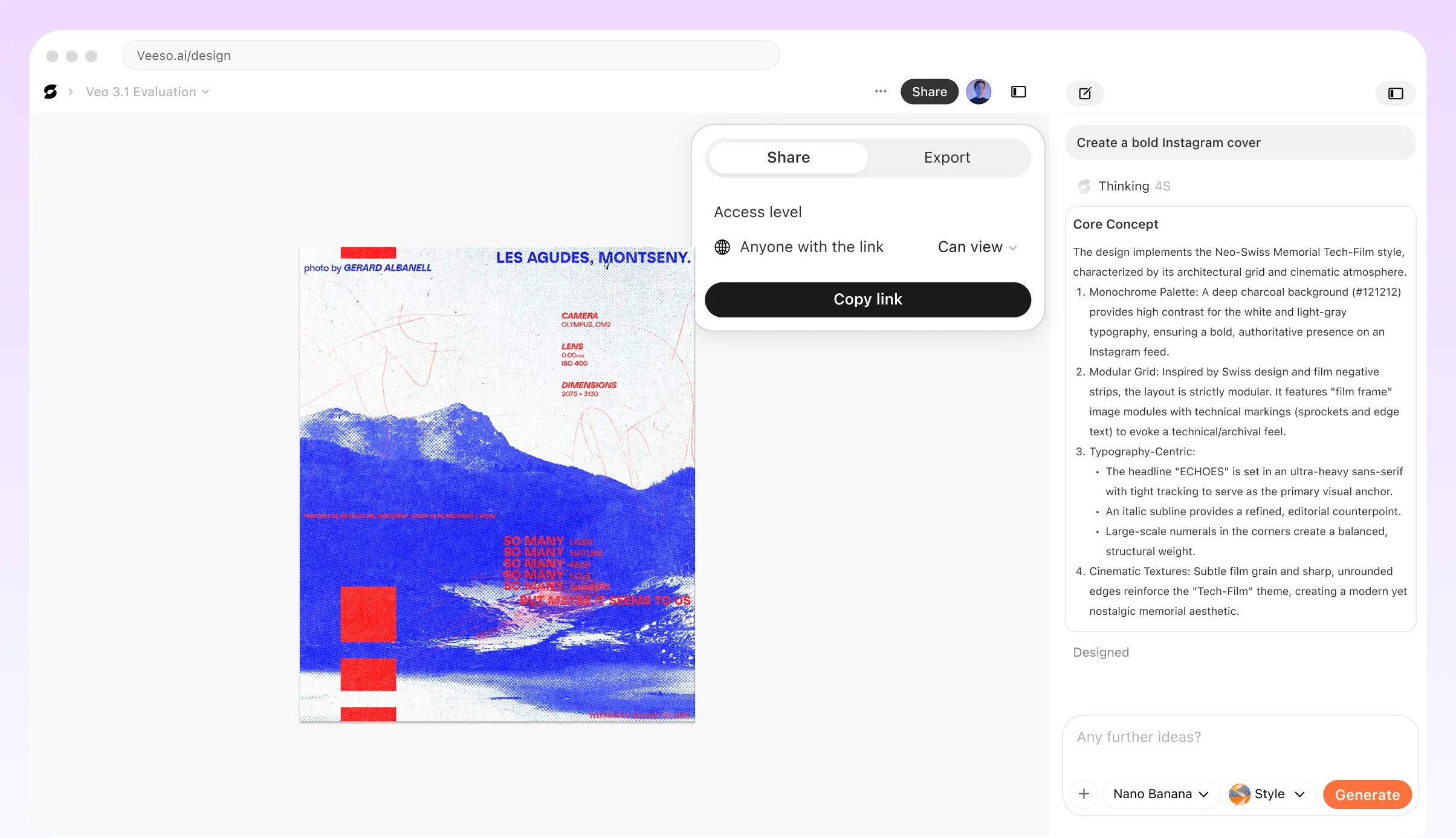
Who Needs a Professional YouTube Thumbnail Generator?
Gaming Thumbnail Generator for Streams
You need to post your latest win fast. Drop in a screenshot and add a glowing outline. It's the best way to get that high-energy look.
Professional Thumbnail Design for Tutorials
Complex topics need simple visuals. Put your main takeaway in bold, punchy text. You will pass the phone test every time.
Custom Thumbnail Maker for Vlogs
Turn your vacation footage into a clickable story. Use Veeso AI to layer vibrant text over your landscapes. Create YouTube thumbnails online free.
Best YouTube Thumbnail Generator for Reviews
Reviewing new gear? You want a clean layout that showcases the product. Add a versus graphic and export a high-res PNG.
AI YouTube Thumbnail Maker for Podcasts
Hosting a guest? Put both faces front and center. Add a bright background and a curiosity hook. This helps you stand out.
Free Online YouTube Thumbnail Maker for Challenges
Reaction shots drive clicks. Upload your surprised face and add red arrows. Focus on the rule of thirds to keep it balanced.
independent vloggers and digital marketers이(가) Veeso AI를 선택하는 이유
I used to spend an hour in Photoshop for every stream. Now I just drop my screenshot here. I get a custom thumbnail in two minutes. My CTR actually went up by 4%.
Making 1280x720 pixels look good on a tiny screen is hard. This thumbnail maker makes the text so easy to read. I finished my entire series in one afternoon.
Veeso AI is a lifesaver for our brand consistency. I just paste the script and it handles the layout. Our channel finally looks like a professional media house.
전환율 높은 custom YouTube thumbnail design 만드는 방법
Start your YouTube thumbnail generator project
Paste your visual title or describe your idea. Choose a style that fits your niche perfectly.
Fine-tune your professional thumbnail design
Move text, change colors, or swap images. Every layer is fully editable for total creative control.
Download your high-resolution export
Hit save and grab your 1280x720 file. It is ready to upload to your channel immediately.
자주 묻는 질문
Ready to Create Beautiful Click-Worthy Thumbnail Covers with Veeso AI?
지금 만들어보기신용카드 불필요 • 무료로 시작 • 디자인 실력 불필요
AI 그래픽 디자인 활용 사례 더 보기
Veeso AI로 구현하는 다양한 크리에이티브 디자인 시나리오를 만나보세요.