Free AI Financial Report Generator for Investor-Ready Reports
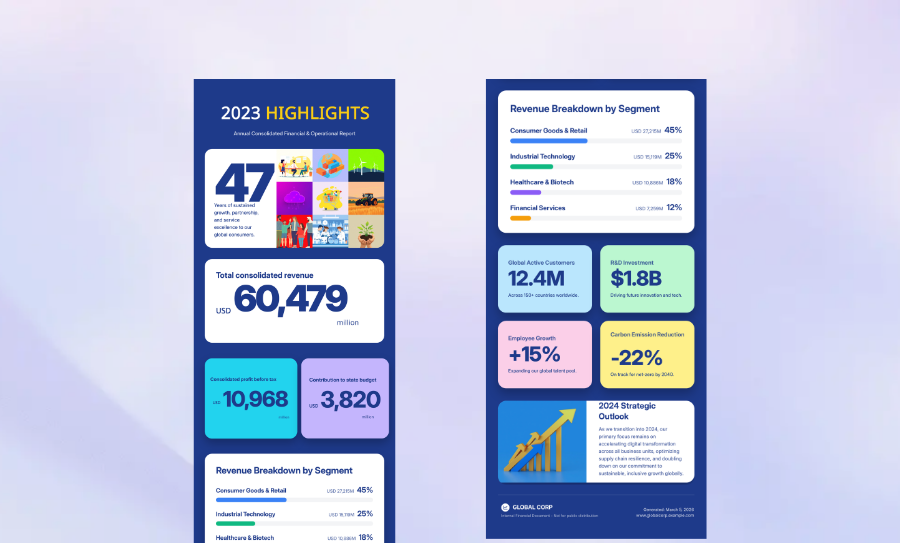
Turn raw financial data into polished business reports in minutes. Veeso AI transforms spreadsheets, balance sheets, and KPI updates into structured, presentation-quality financial report designs, fully editable and ready for print or sharing.
Three Ways to Generate Professional Financial Report Design
Generate Reports from Raw Financial Data
Paste your revenue numbers, balance sheets, or KPI summaries directly into Veeso.The AI automatically organizes your data into clean, executive-style report layouts.
- Smart data visualization
- Automatic table formatting
- Instant visual hierarchy
- Executive summary sections
Use Professional Financial Report Templates
Choose from modern report templates built for startups, agencies, and corporate teams.Swap in your own metrics, charts, and branding in seconds.
- US Letter and A4 sizes
- Fully editable report sections
- Investor-ready color palettes
- Annual and quarterly report layouts
Turn Spreadsheets into Executive Reports
Upload financial summaries from Excel, Word, or Markdown documents. Veeso AI converts dense financial information into clean visual communication.
- Word and Markdown import
- Spreadsheet-to-layout automation
- Structured data sections
- High-resolution PDF exports
Why choose Veeso for your Print-Ready Financial Statement
Make Financial Data Easier to Understand
Most stakeholders don’t want to read endless spreadsheets. Veeso AI helps you present revenue, profit, and growth metrics in a format people can scan quickly and actually understand.
Try It Free
Custom Financial Statement Branding
Your report should look like your brand. Add your logo and company colors in one click. It’s the easiest way to keep your business identity consistent.
Try It Free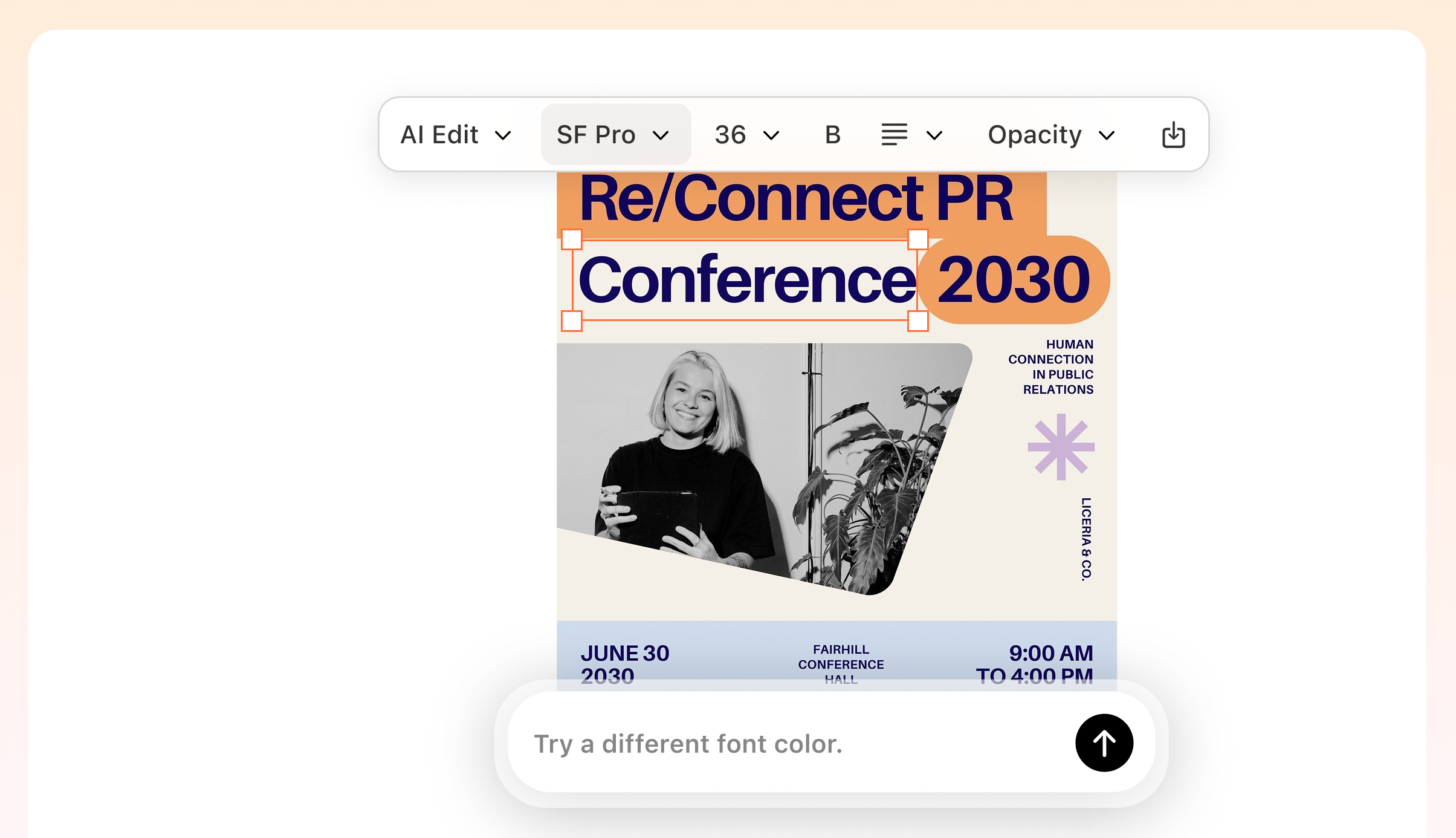
Fix Your Formatting Headaches
Stop fighting with cell borders and weird spacing. Just drop in your KPIs and let the tool handle the alignment. Your charts will stay perfectly centered and readable.
Try It Free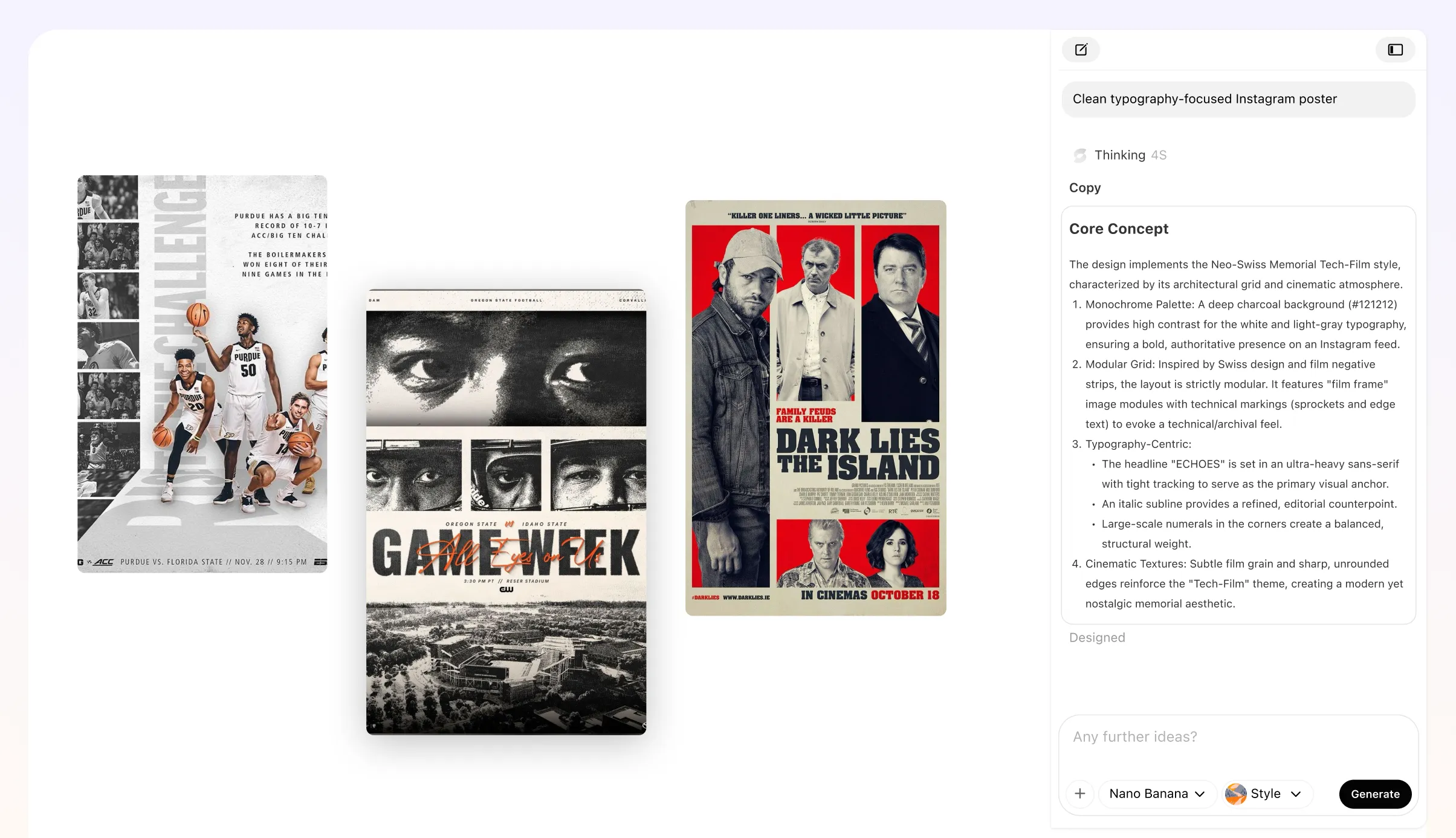
Get a Print-Ready Financial Statement
Boardrooms still love a hard copy. Download high-res, 300 DPI PDFs that look sharp on any paper. Veeso AI handles the margins and bleed automatically.
Try It Free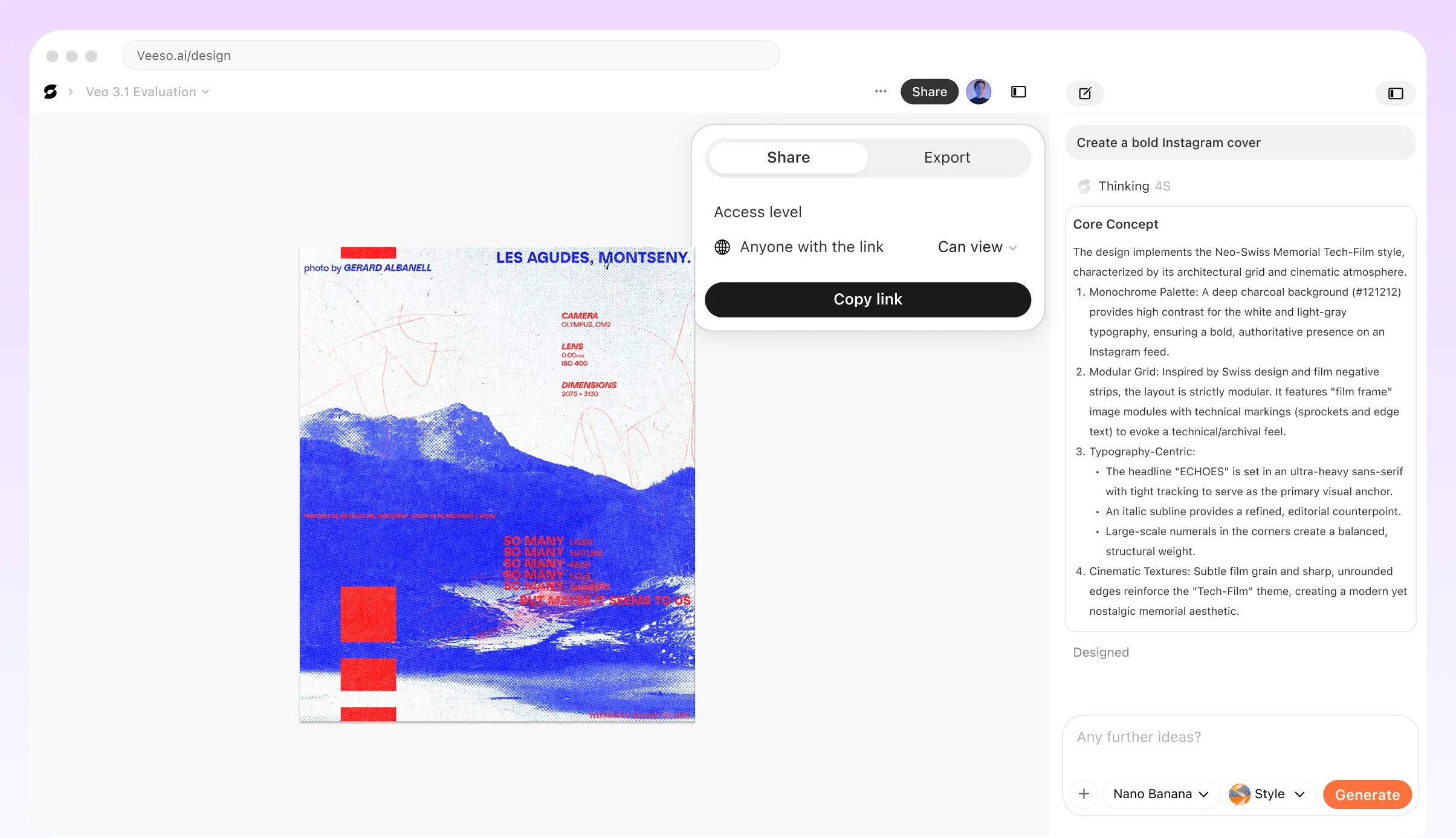
Who Needs A Professional Financial Report Generator?
Investor Pitch Deck Visuals
You're prepping for a big Seed round. Your data is messy. Paste your numbers here to get a professional financial report design. Investors will trust your numbers when they look this clean.
Monthly Client Update Reports
As a freelance bookkeeper, you want to stand out. Don't just send a raw spreadsheet. Create financial reports online free that look like they came from a big firm. Your clients will love the clarity.
Quarterly Board Meeting Summary
The board needs the highlights, not a hundred rows. Use this financial report generator for business to visualize your KPIs. Put your cash flow and profit trends front and center.
Year-End Profit and Loss
It's time to see how the year actually went. Drop your totals into a custom financial statement builder. You get a printable financial report that's easy to read. Spot trends before next year starts.
Small Business Loan Applications
Banks need a formal balance sheet and income statement. Veeso AI turns your raw data into a polished PDF in seconds. It looks authoritative and meets all the standard reporting styles.
Startup KPI Dashboards
Track your burn rate and runway without the headache. This AI financial report maker handles the layout and typography for you. Just focus on the numbers. Get a high-res export instantly.
Why Startup Founders And Freelance Bookkeepers Choose Veeso AI
I pasted our quarterly metrics into Veeso and instantly got a report that looked boardroom-ready. Normally I’d spend half a day fixing charts in PowerPoint.

Our clients understand reports much faster now because the layouts are actually readable. It feels more like a professional consulting deliverable.

I needed a clean income statement for my CPA. I just typed in my totals and picked a layout. Had a printable financial report ready in five minutes. Saved me hours of fighting with margins.

How to Create High-Converting Custom Business Report
Input data into the financial report generator
Paste your income statement or type a quick prompt about your goals.
Customize Your Report Design
Adjust charts, colors, branding, and layout structure to match your business style.
Export Your Investor-Ready Report
Download a polished PDF ready for meetings, presentations, or online sharing.
FAQ

Ready to Create Professional Print-Ready Financial Statement with Veeso AI?
Start Creating NowNo credit card required • Free to start • No design skills required
Explore More AI Graphic Design Use Cases
Discover more creative design scenarios powered by Veeso AI.