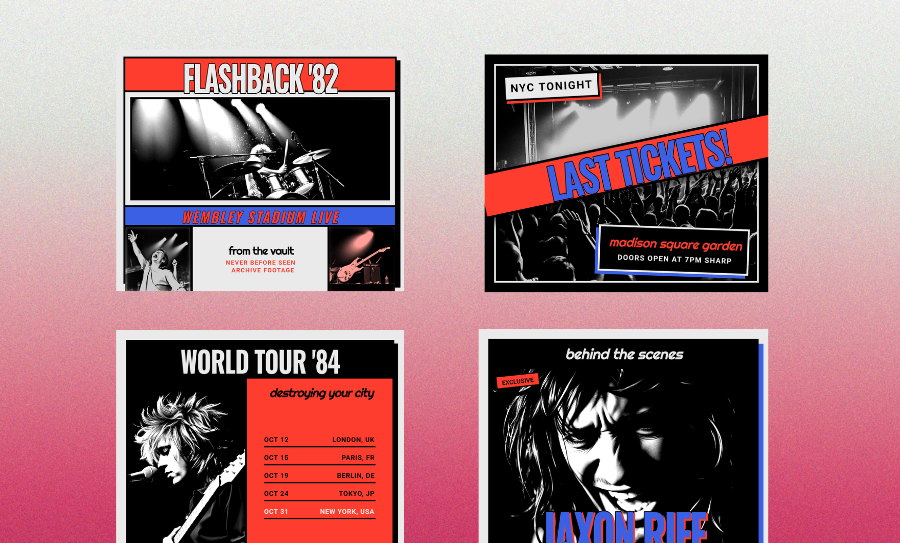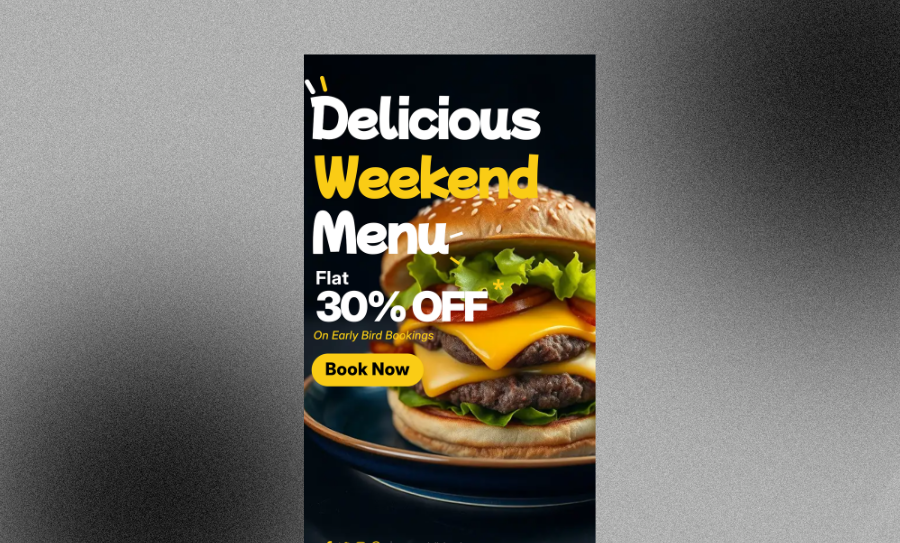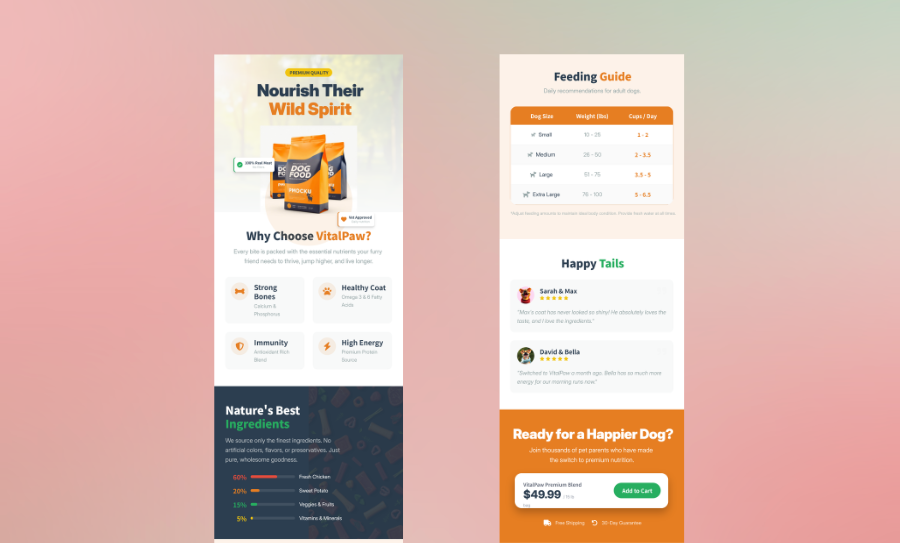
Make Print-Ready Booklets Fast With Our Free Booklet Generator
Turn your ideas into a professional design in minutes. Get a print-ready layout that looks amazing on paper. It is the easiest way to make custom booklets.
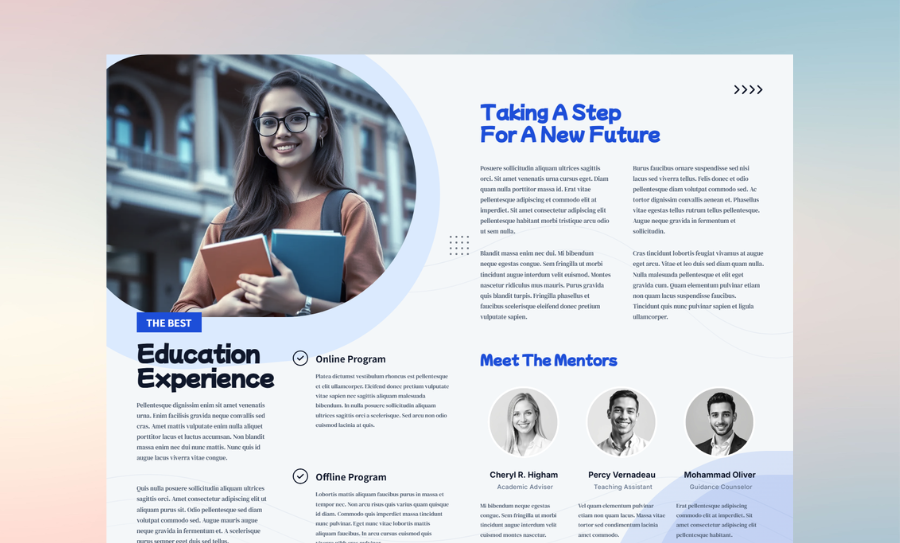
Three Ways to Generate Professional Booklet Layout
Generate a Booklet from Your Content
Describe your zine or catalog. Veeso builds a multi-page layout automatically—no manual formatting needed.
- Automatic headings and section hierarchy
- Multi-page layout creation
- Clean, readable typography
- Custom font pairings
Pick from Free Booklet Templates
Browse layouts made for lookbooks or event programs. Find a vibe you like and make it yours.
- Pre-built booklet layouts (A4, Letter, half-fold)
- Editable text, colors, and images
- Consistent page spacing and margins
- Designed for print and digital use
Upload a File to Build Your Booklet
Got a Word doc or Markdown file? Upload it and let Veeso transform it into a polished, print-ready booklet with proper layout and flow.
- Upload Word, PDF, or Markdown files
- Auto-format paragraphs and sections
- Smart page breaking and spacing
- Multi-page text flow
Why choose Veeso for your Print-Ready Multi-Page Design
Built for Real Multi-Page Booklet Layouts
Designing a booklet isn’t just stacking pages together. Veeso structures your content into a true multi-page flow, with proper pagination, section breaks, and natural reading order from cover to back page.
Try It Free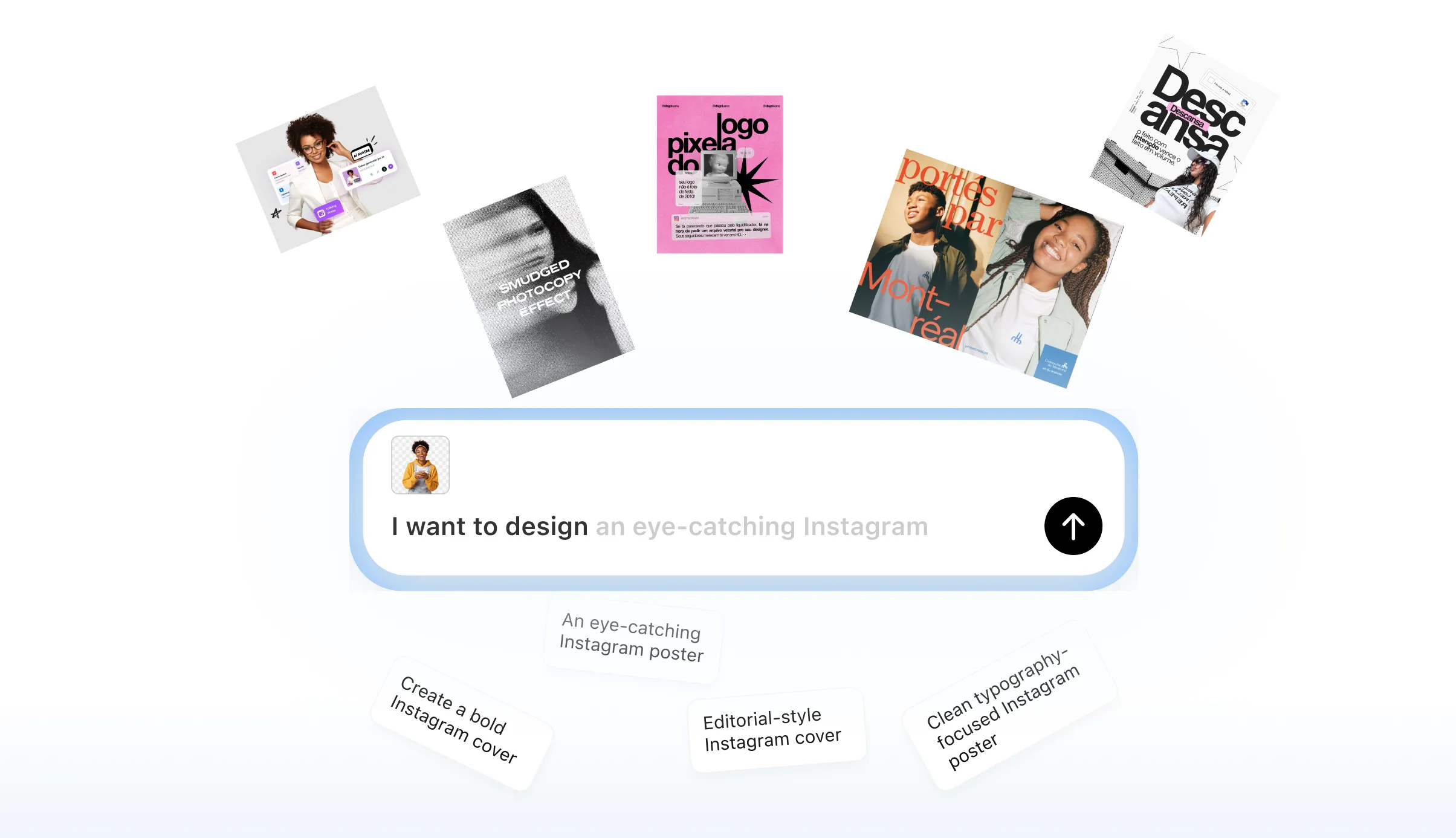
Flexible Booklet Sizes That Actually Work
Whether you’re creating a half-fold booklet, a small zine, or a full Letter-size document, your layout adapts instantly. Images, text blocks, and spacing all scale correctly without breaking the design.
Try It Free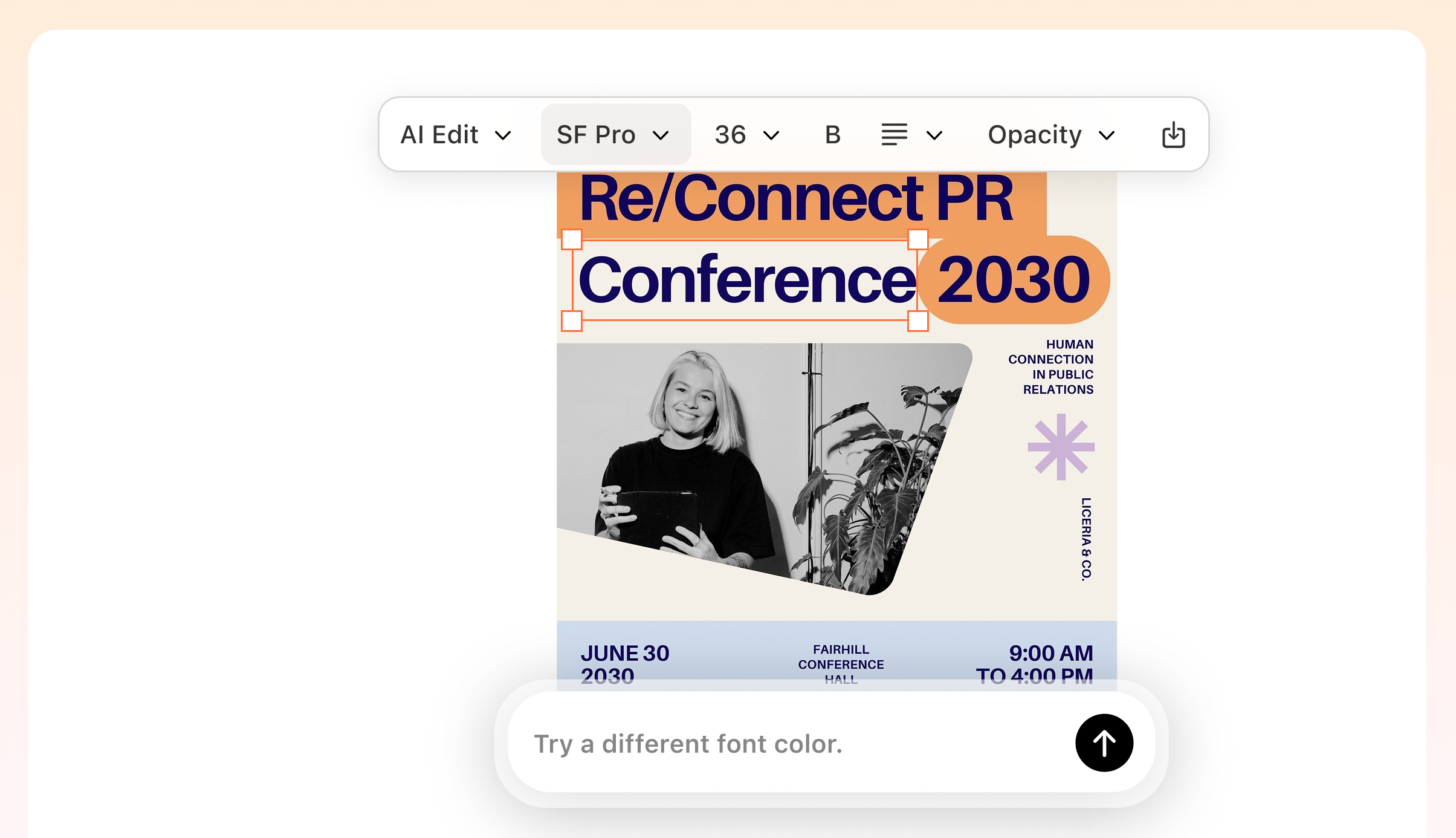
No More Manual Margin or Bleed Setup
Print specs can get technical fast. Veeso automatically applies correct bleed, trim, and margin settings, so your booklet prints cleanly without cut-off text or awkward spacing.
Try It Free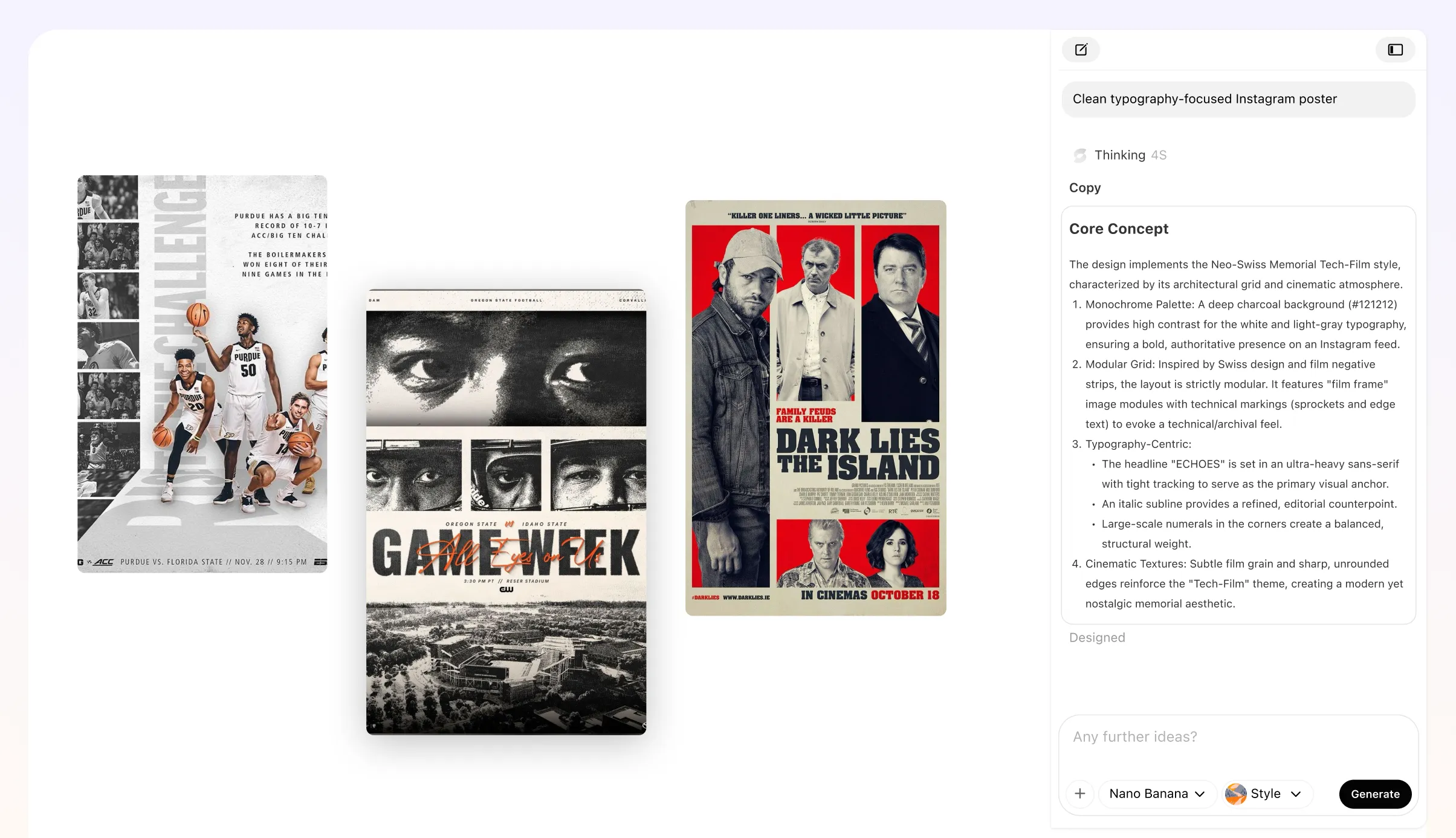
Export Booklets That Are Truly Print-Ready
Skip the back-and-forth with your print shop. Download high-resolution PDFs with proper page order, bleed settings, and crisp typography—ready for saddle-stitch, booklet printing, or digital sharing.
Try It Free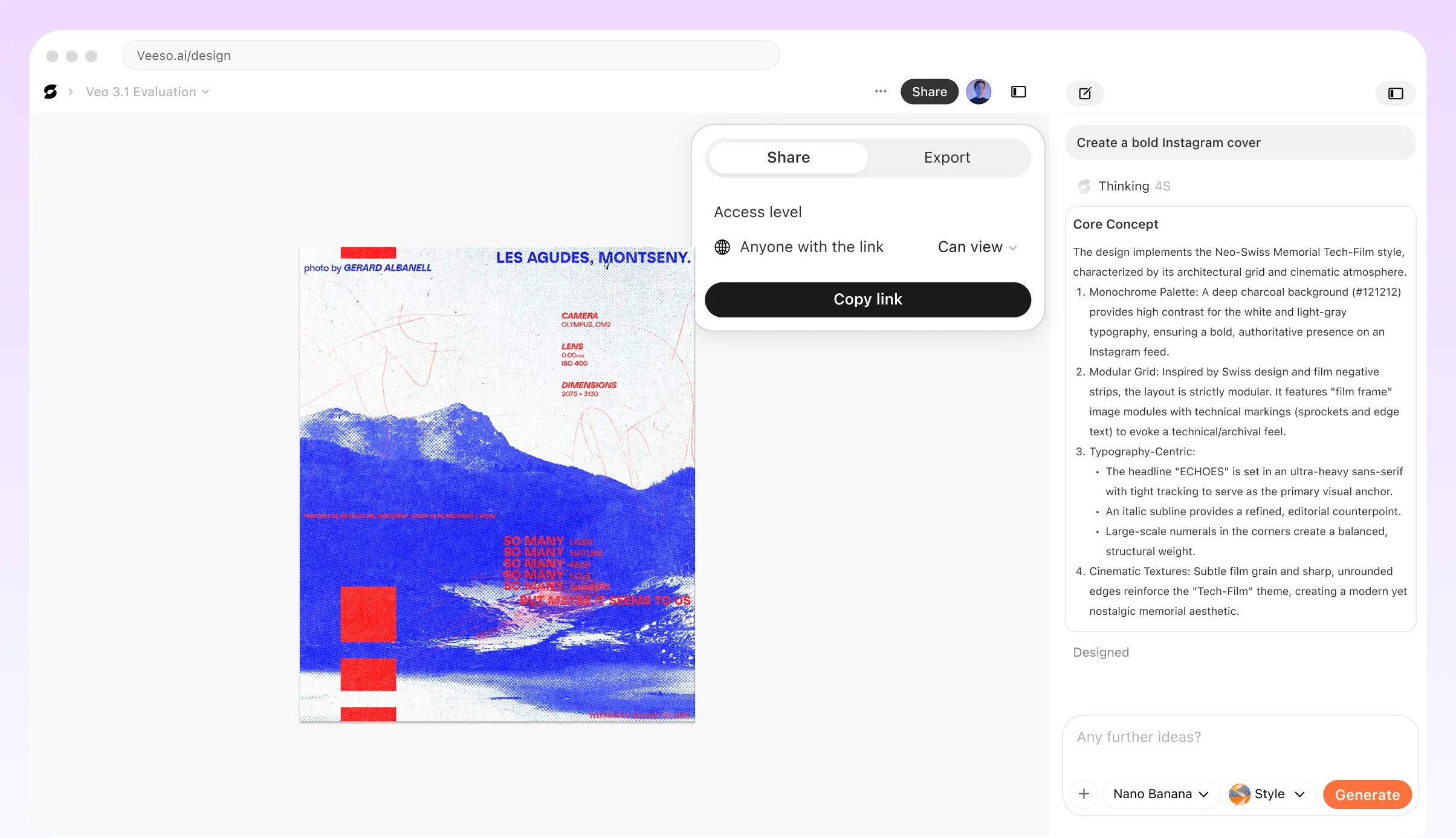
Who Can Benefit from a Professional Booklet Generator?
Independent Zines and Creative Booklets
Turn your writing, artwork, or photography into a cohesive booklet. Veeso keeps your spreads balanced and your layout intentional, so your work feels like a finished publication, not loose pages.
Product Catalogs for Small Businesses
Showcase your new collection with professional booklet design. Just add your high-res photos and product specs. Your customers will love flipping through a clean, structured layout.
Event Programs and Ceremony Guides
Lay out schedules, speaker lists, or wedding programs in a format guests can easily follow. Page numbers, sections, and flow are handled automatically.
Training Manuals and Internal Guides
Transform long SOPs or onboarding docs into structured booklets. Instead of overwhelming text blocks, you get a readable, professional document teams can actually use.
Real Estate Listing Booklets
Present properties with high-impact visuals and structured information. A well-designed booklet adds perceived value and makes listings feel premium.
Annual Reports and Impact Booklets
Combine data, storytelling, and visuals into a polished multi-page report. Great for nonprofits, teams, and organizations sharing results.
Why Independent Creators And Marketing Coordinators Choose Veeso AI
I spent hours fighting with Word margins for my first zine. Switched to this booklet generator and had 20 pages perfectly paginated. It even handled the saddle-stitch layout for me.
Needed a 12-page holiday catalog for my boutique. Veeso AI turned my messy Google Doc into a polished, print-ready PDF. My printer said the bleed settings were spot on.
Making programs for a 300-person gala is stressful. I used this free online booklet maker to organize the attendee planning. The landscape layout looked amazing on the tables.
How to Create High-Converting Custom Digital Booklet
Input Content into the Booklet Generator
Paste your text or pick a template vibe. Tell the tool how many pages you need.
Customize Each Page With Free Booklet generator
Adjust images, refine typography, and tweak layout sections. Every page is fully editable, so you stay in control of the final look.
Export Your Printable Booklet Maker File
Hit download to get a high-res PDF. Now Your booklet is ready for immediate use.
FAQ

Ready to Create Beautiful Print-Ready Multi-Page Design with Veeso AI?
Start Creating NowNo credit card required • Free to start • No design skills required
Explore More AI Graphic Design Use Cases
Discover more creative design scenarios powered by Veeso AI.