Create Professional Resumes from Your Experience with a Free Online Resume Generator
Turn your work history, LinkedIn profile, or career notes into a polished resume in seconds.Veeso automatically structures your content into an ATS-friendly resume design that is ready to share.Stop fighting with margins and formatting.
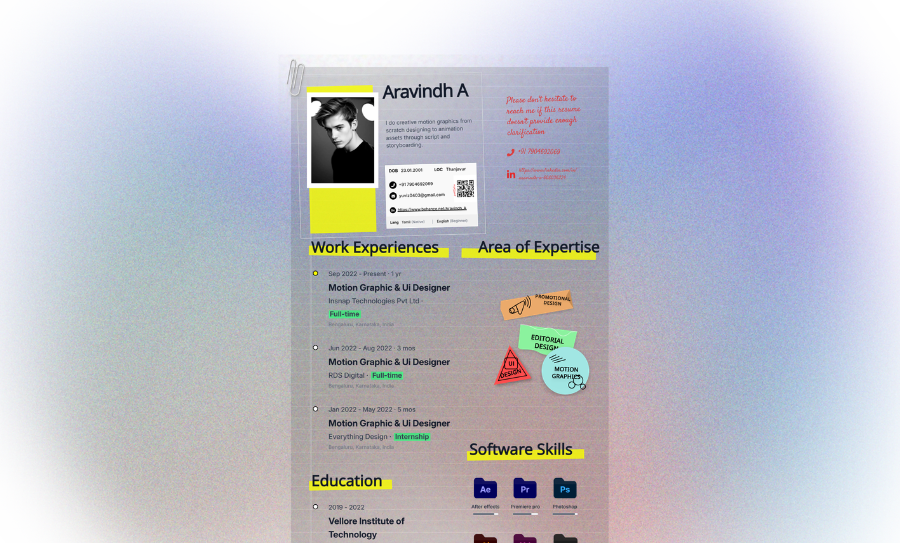
Three Ways to Generate Professional Resume Design
Turn Resume Content into Design
Just describe your career goals and experience. The AI builds a custom layout. It handles the document hierarchy for you.
- Custom font pairings
- LinkedIn to resume
- Automated layout spacing
- High-contrast headers
Use Magic Templates as Design References
Found a resume style you like?Upload a visual reference or choose a Magic Template.Instead of replacing content, Veeso learns the visual language and creates a brand-new resume using your own experience.
- Modern resume aesthetics
- Custom accent colors
- AI visual adaptation
- Unique layouts generated from your content
Convert Files into Professional Resume Design
Upload your resume, CV, Word document, PDF, LinkedIn export, or career notes.VVeeso extracts the content, reorganizes the information, and generates a completely new resume design with better hierarchy, spacing, and visual structure.
- Import PDF or Word docs
- Fully editable text layers
- Chronological layout auto-sort
- Content Extraction & Structuring
Why choose Veeso for your Print-Ready Resumes layout
Stop Fighting Word Margins
You just paste your work history. The layout fixes the spacing. No more broken bullet points or messy gaps.
Try It Free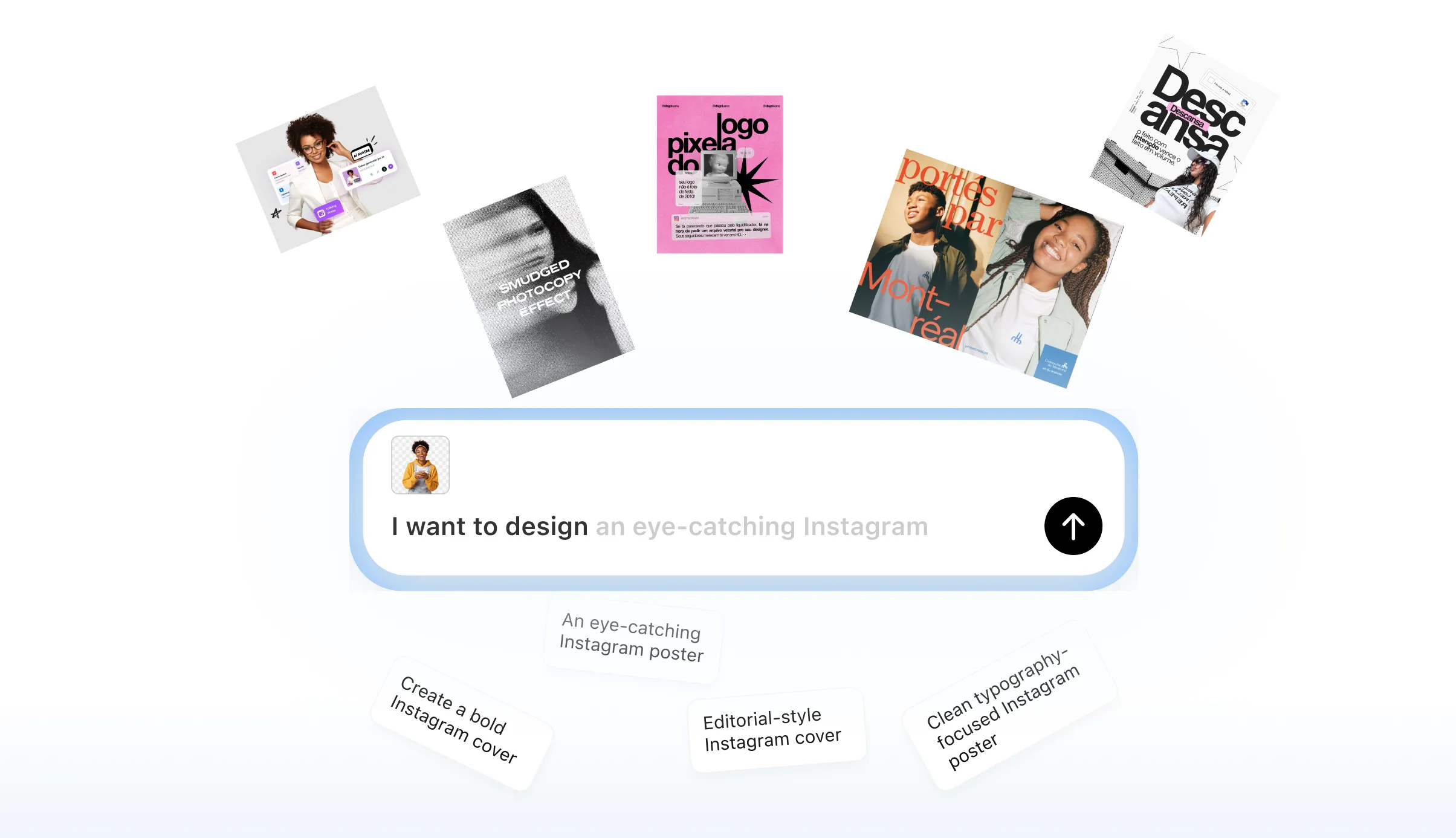
Custom Resume Builder Layouts
Pick a style that fits your industry. Go minimalist for tech or classic for law. Everything stays fully editable.
Try It Free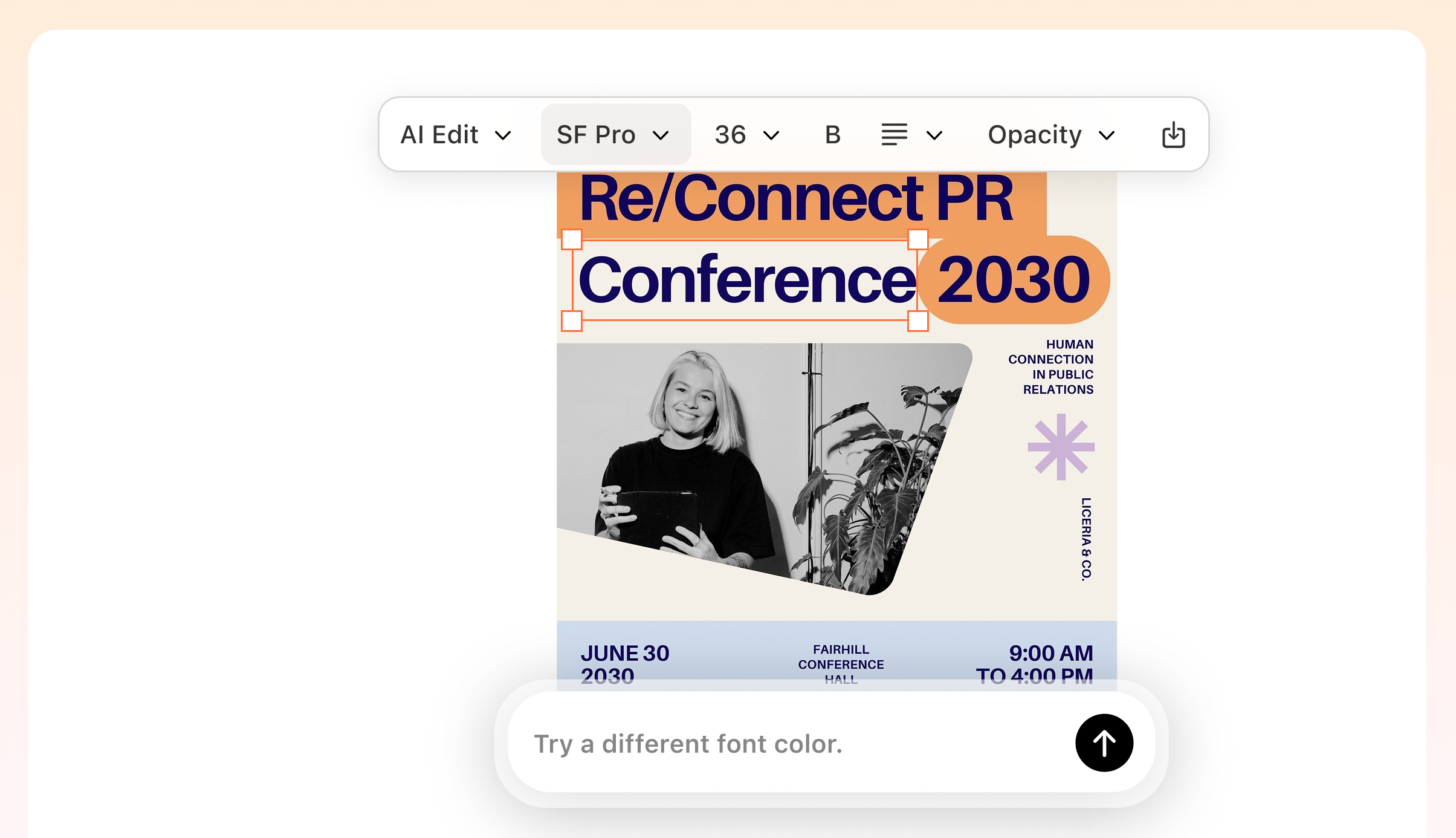
Professional Resume Design Hierarchy
Good design guides the recruiter's eye. Use balanced white space and bold headers. It makes your skills pop instantly.
Try It Free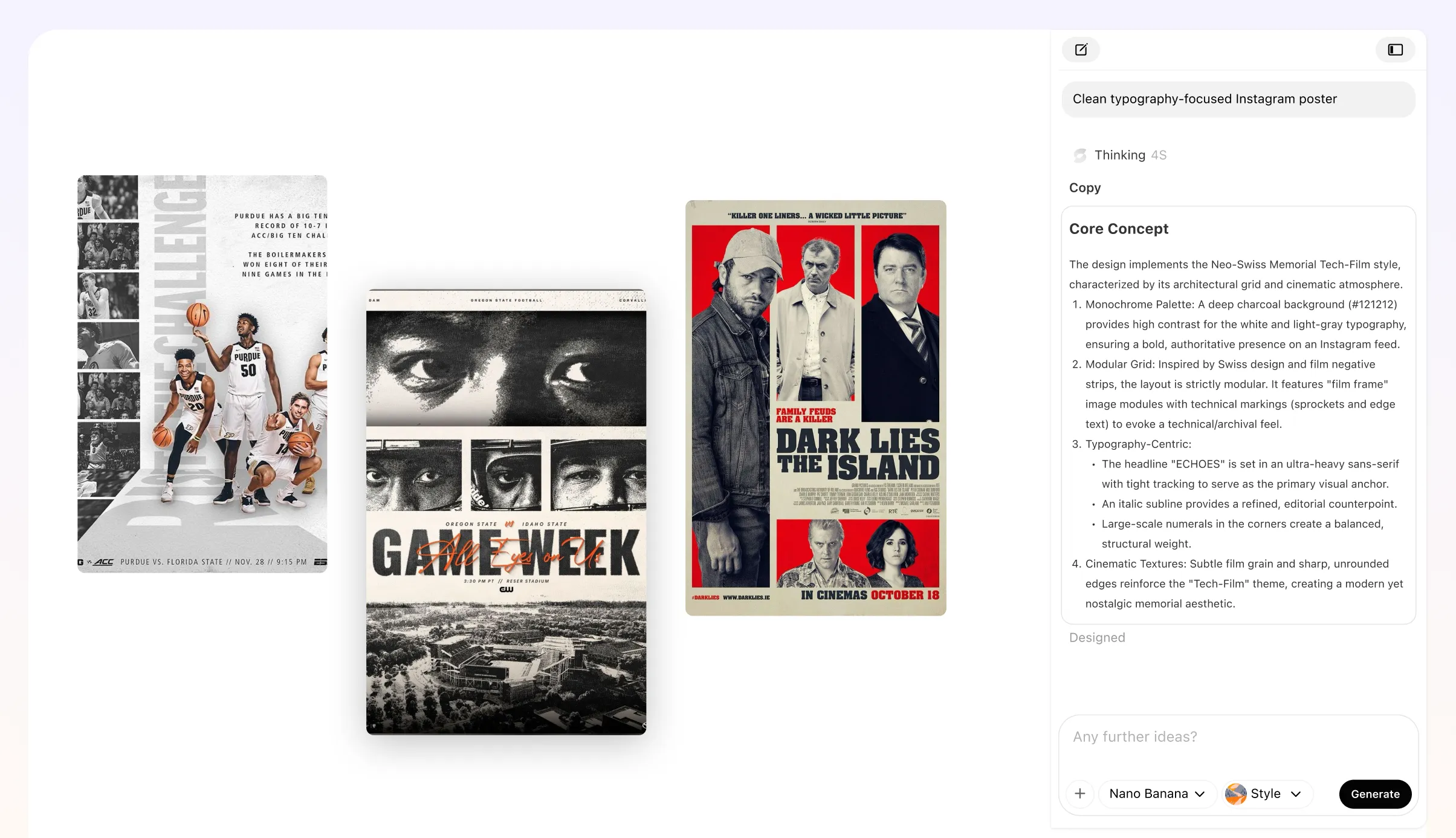
Printable Resume Quality
Veeso AI exports in 300 DPI. Your PDF looks sharp on screens. It prints perfectly for your in-person interviews.
Try It Free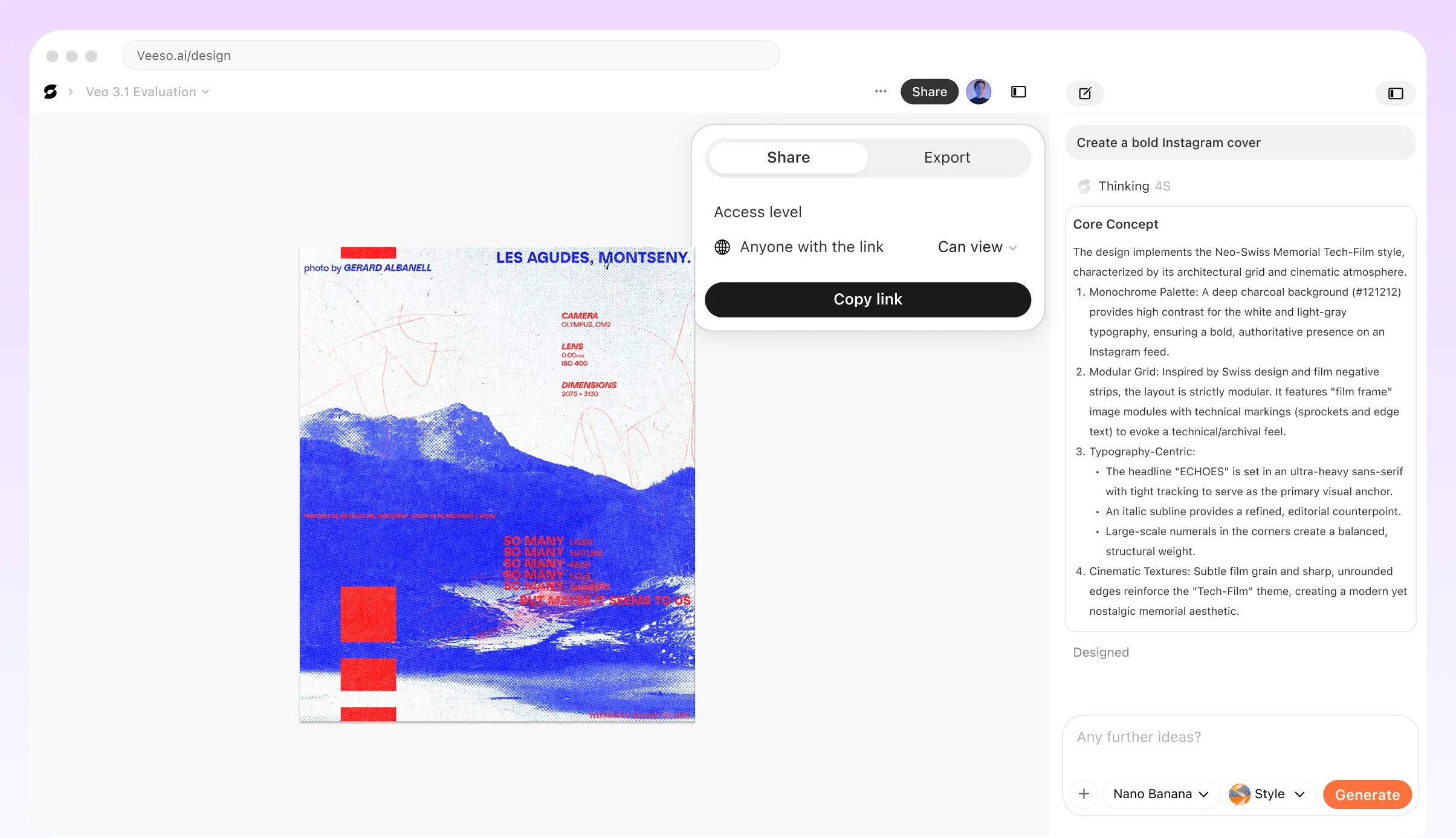
Who Needs a Free Online Resume Generator?
Fresh Graduate Career Starts
You just finished school and need to stand out. Use a free online resume maker to highlight your college projects. Put your degree up top. Grab an A4 layout and start applying today.
Mid-Career Industry Pivot
Switching industries is a big move. You need a custom resume builder that focuses on transferable skills. Move your core competencies to the top. Keep the design clean and high-impact.
Creative Professional Portfolios
You are a designer or a marketer. Use a professional resume design that really pops. Veeso AI handles the typography and white space for you. Export a high-res PDF in minutes.
Corporate Executive Applications
Keep your profile minimalist and sharp. Use a standard US Letter size for your board applications. You get a perfect document hierarchy with this AI resume maker. No fluff allowed.
Quick Local Job Search
Need a job at that new neighborhood cafe? Use a printable resume maker for a quick, clean layout. Add your contact info and previous gigs. Print it out at 300 DPI.
High-Tech Digital Screening
Your GitHub and LinkedIn links must work perfectly. Create a resume online free that handles digital links and columns. Stay ATS-friendly with a structured chronological format.
Why job seekers and career coaches Choose Veeso AI
I had not updated my CV in eight years. I pasted my old notes and got a polished layout instantly. The chronological format looked so professional. I landed three interviews in one week.
Being a fresher is stressful. I needed a resume maker online free for freshers that looked high-end. Veeso AI built a beautiful skills matrix for me. I felt so much more confident.
I needed a printable resume maker for a big career fair. The 300 DPI PDF export was perfect on thick cardstock. No blurry text or weird margins. My resume really stood out.
How to Create High-Converting customized resume document
Paste or Upload Your Resume Content
Add your LinkedIn profile, work history, education, achievements, or career notes.
Tweak Your Custom Resume
Change colors or move sections around. Every element is fully editable on the page.
Export Your Professional Resume Design
Save it as a high-res PDF. Your new CV is ready for any application.
FAQ

Ready to Create Beautiful Print-Ready Resume Layout with Veeso AI?
Start Creating NowNo credit card required • Free to start • No design skills required
Explore More AI Graphic Design Use Cases
Discover more creative design scenarios powered by Veeso AI.