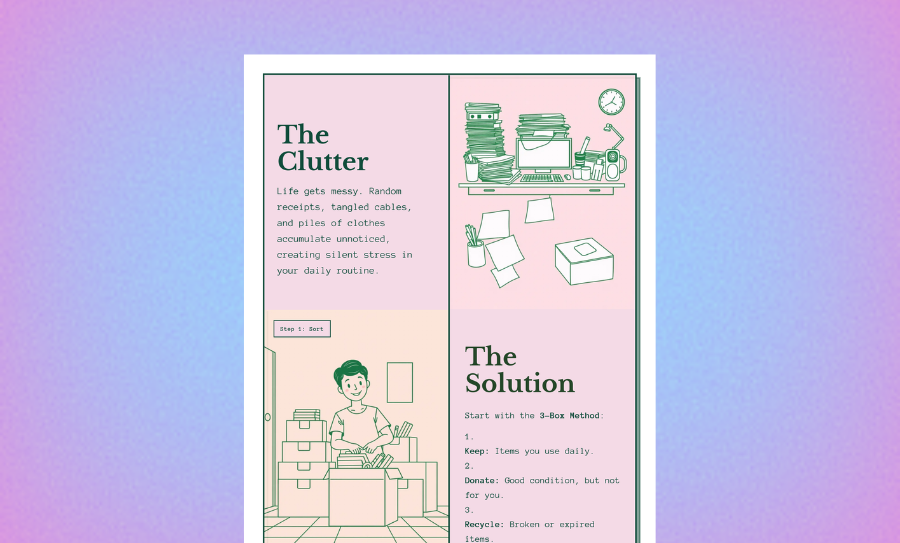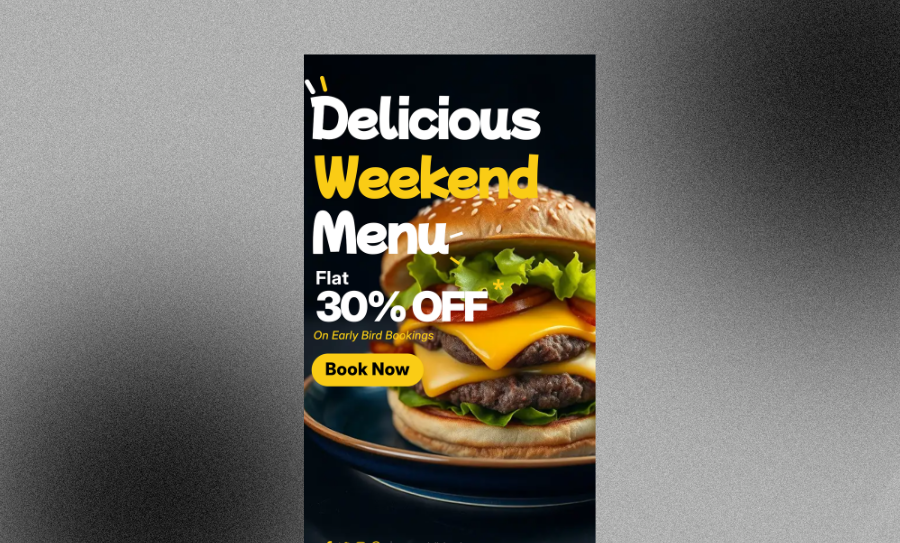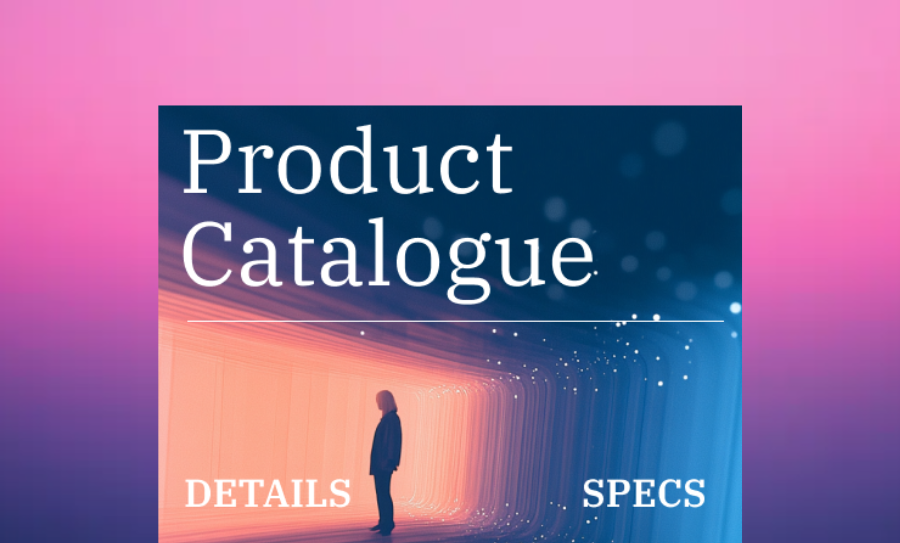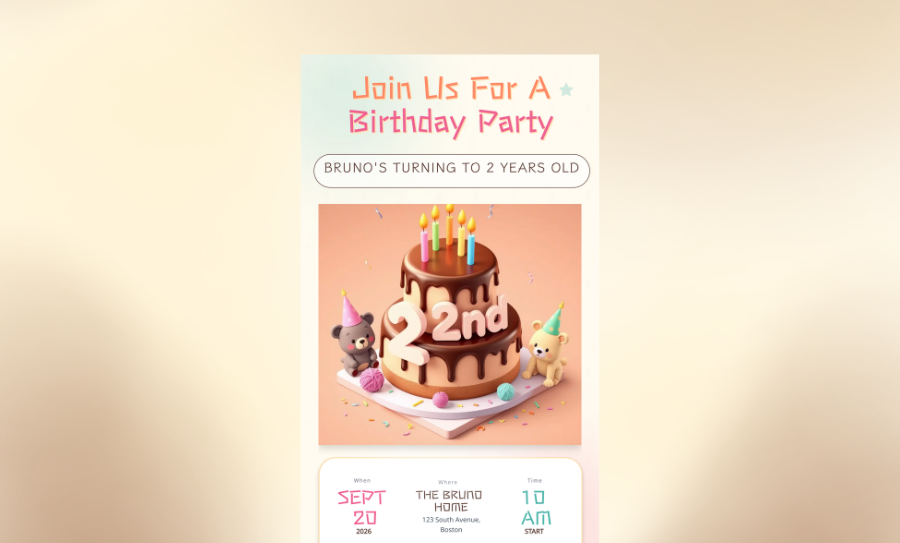
Turn Your Ideas Into Professional Flyers in Seconds.
You need marketing materials that capture attention, not hours of design work. Veeso AI builds structured, fully editable flyers for your events, sales, and announcements. Get professional results without hiring a designer.
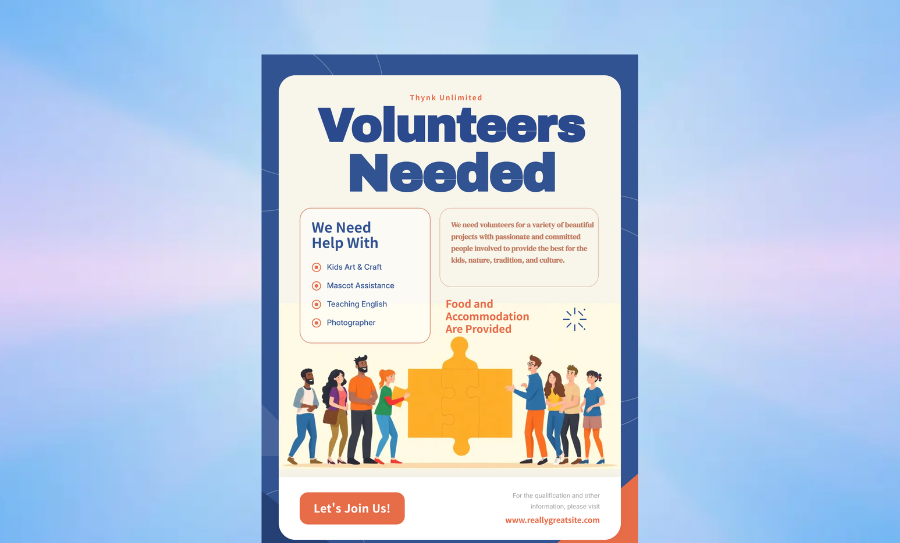
Three Ways to Generate Flyer
Paste Your Details
Simply paste your event info, sale details, or announcement text. Veeso AI organizes it into a clear, readable flyer layout instantly.
- Smart text arranging
- Headline optimization
- Automatic formatting
- Clear hierarchy
Choose a Smart Style
Select a vibe that fits your goal. Whether you need something bold for a sale or clean for a corporate memo, the AI adapts the design to you.
- Corporate styles
- Creative layouts
- Minimalist themes
- Bold promotional looks
Upload Your Assets
Drop in your logo, product photos, or headshots. The generator builds the flyer around your images so they look their best.
- Logo integration
- Photo centering
- Color matching
- Background removal
Why choose Veeso for your Flyer
Brand Consistency
Keep your brand look steady across every flyer. Upload your logo and colors once, and see them apply automatically to every new design you create.
Try It Free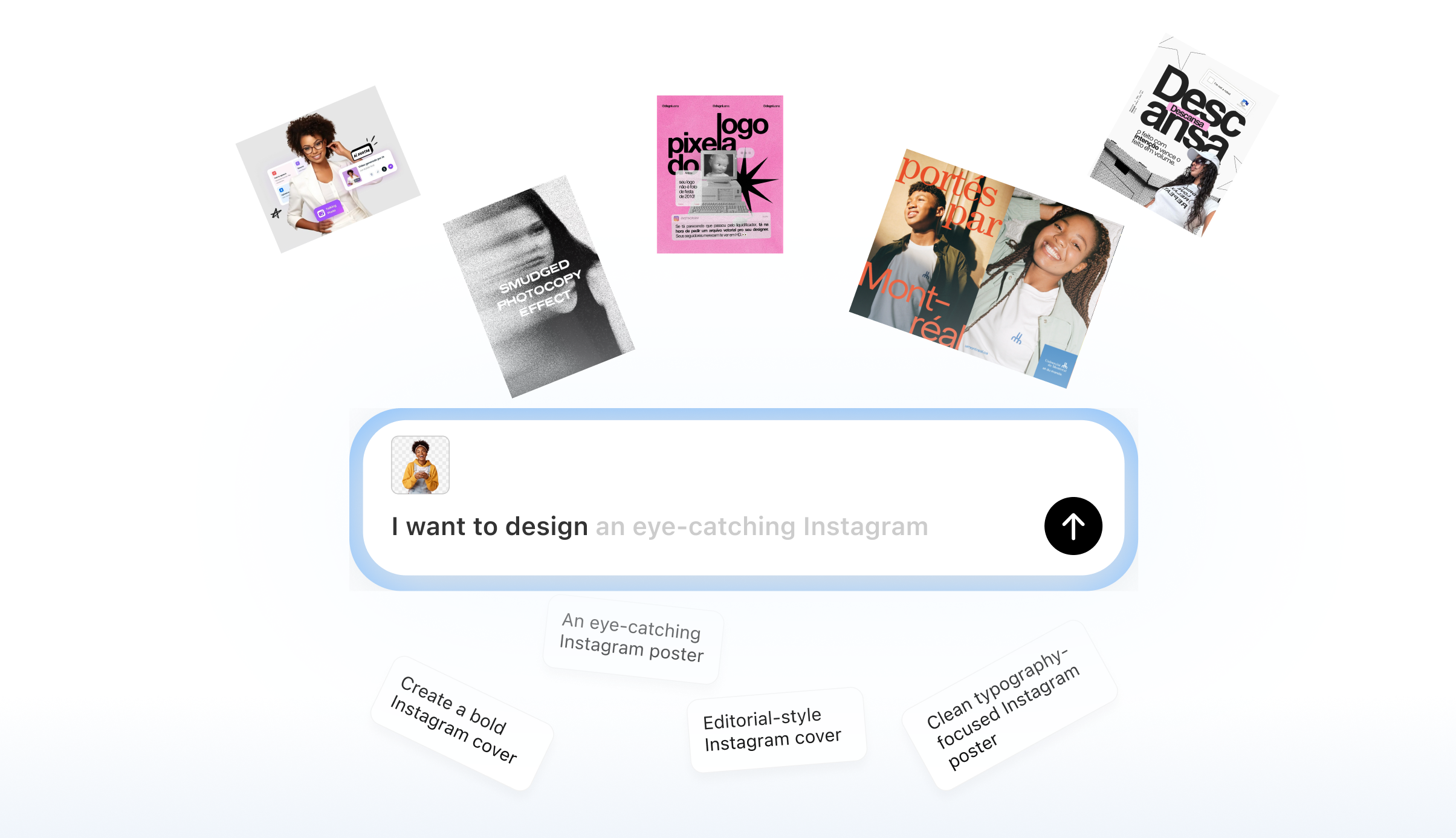
Fully Editable Layouts
Veeso AI generates structured designs, not static images. You can edit every text box, swap photos, and adjust colors to match your vision perfectly.
Try It Free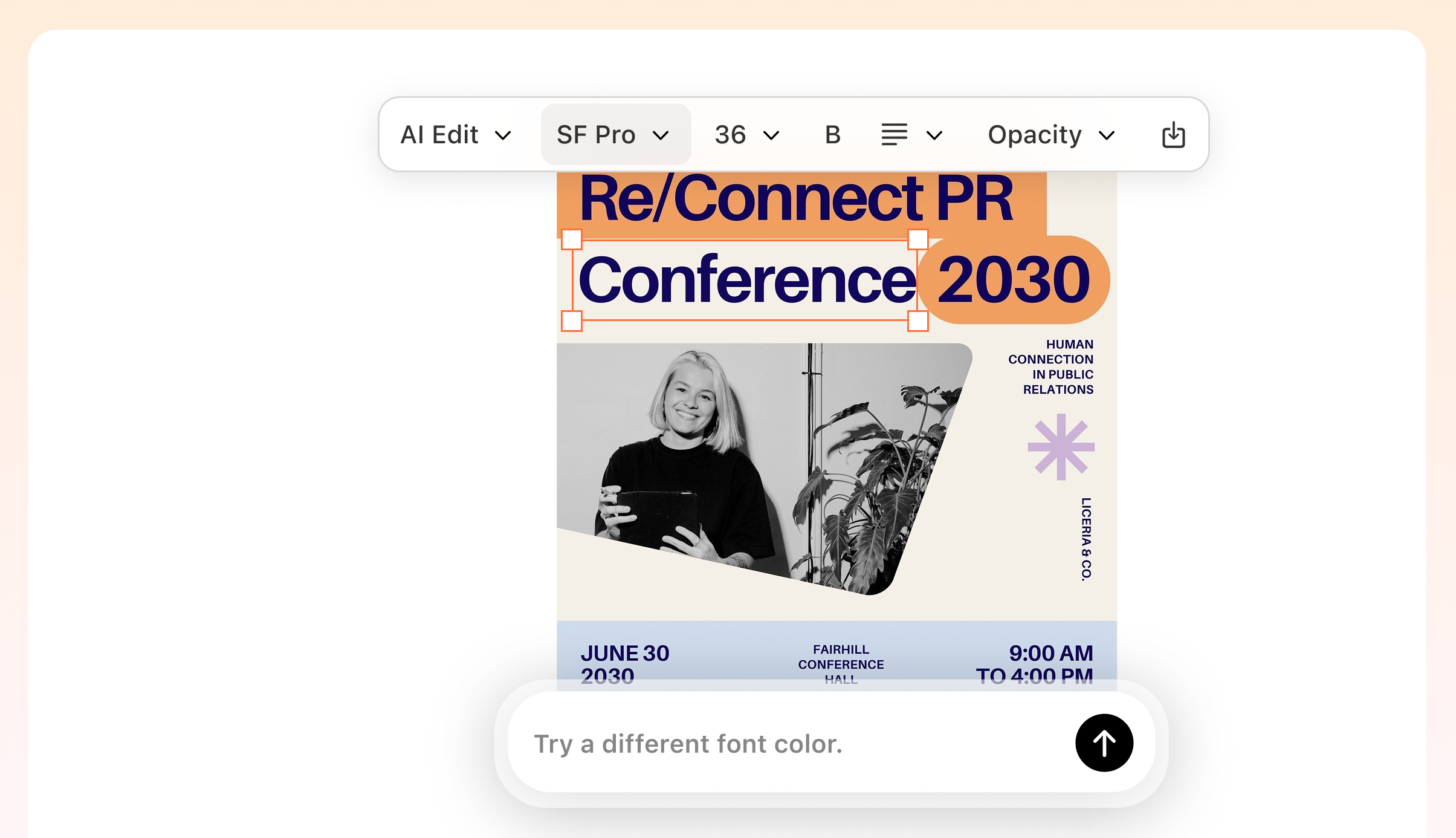
Scale Your Marketing
Create a whole campaign in minutes. Generate multiple variations for different events or locations without starting from scratch each time.
Try It Free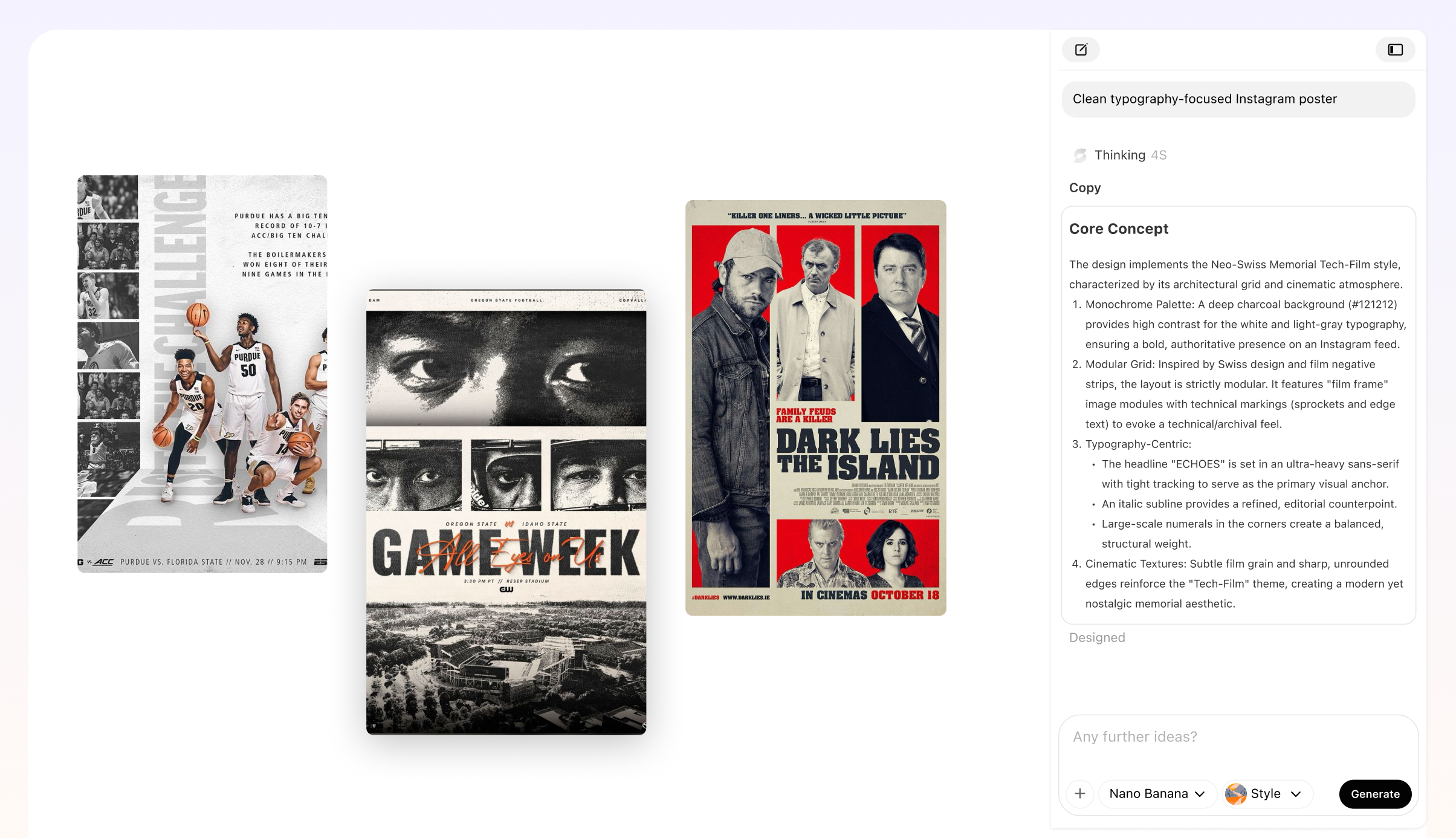
Print & Digital Ready
Get high-quality exports for professional printing or optimized versions for sharing on social media. One design works everywhere.
Try It Free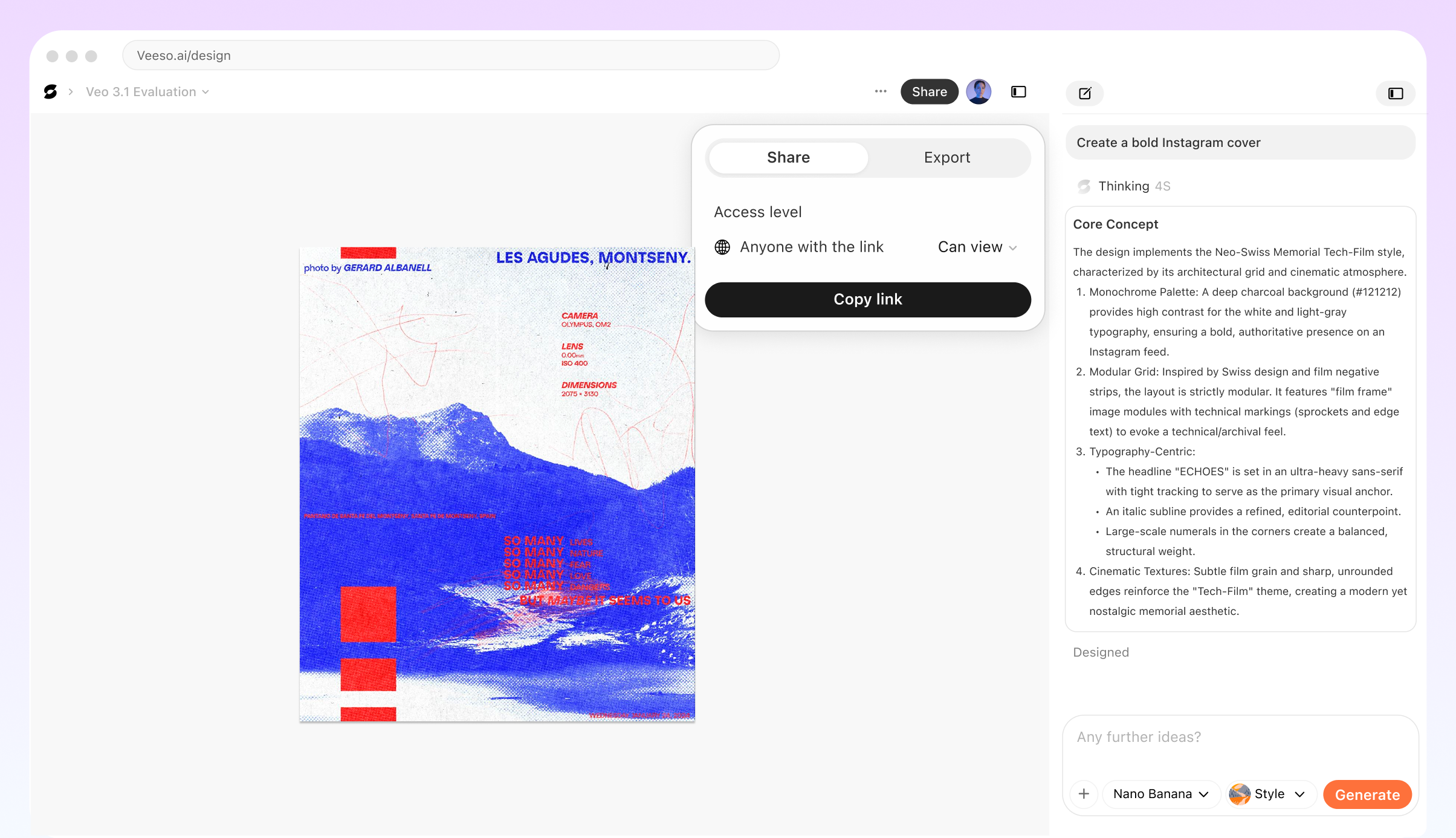
Veeso AI Helps Create Flyers For
Recruitment & Hiring
HR professionals can create polished job posting flyers for job fairs and office boards. Attract top talent with clear, branded designs.
Product Launches
Founders can announce new features or products with style. Generate excitement with professional visuals that look like they cost a fortune.
Event Promotion
Marketers can fill seats at workshops, webinars, and local meetups. Create eye-catching flyers that stand out on crowded notice boards.
Real Estate Open Houses
Agents can showcase properties with clean layouts that highlight home photos and open house details clearly.
Sales and Discounts
Small business owners can drive foot traffic with bold sale flyers. Highlight discounts and dates effectively to boost revenue.
Internal Company Updates
Keep employees informed with engaging internal newsletters or announcement flyers that people actually want to read.
Why Creators & Founders Choose Veeso AI
I used to spend hours struggling with design software. Now I make flyers for our community events in minutes. The layouts are clean and easy to read.
As a founder, I wear many hats. Veeso AI lets me create professional marketing materials without hiring a designer. It helps us look big while we grow.
Our recruitment drives need fresh content constantly. This tool helps me create on-brand hiring flyers quickly. It saves my department so much time.
How to Create High-Converting Flyer
Input Your Content
Type in your headline and main details, or upload an image you want to feature. Tell Veeso AI what the flyer is for.
Customize the Design
The AI generates a layout for you. Click to change fonts, adjust colors, or move elements until it looks exactly right.
Export and Share
Download a high-resolution PDF for printing or a sharp JPG for email and social media. Your flyer is ready to go.
FAQ
Ready to Boost Your Marketing With Professional Flyers?
Start Creating NowNo credit card required • Free to start • No design skills required
Explore More AI Graphic Design Use Cases
Discover more creative design scenarios powered by Veeso AI.