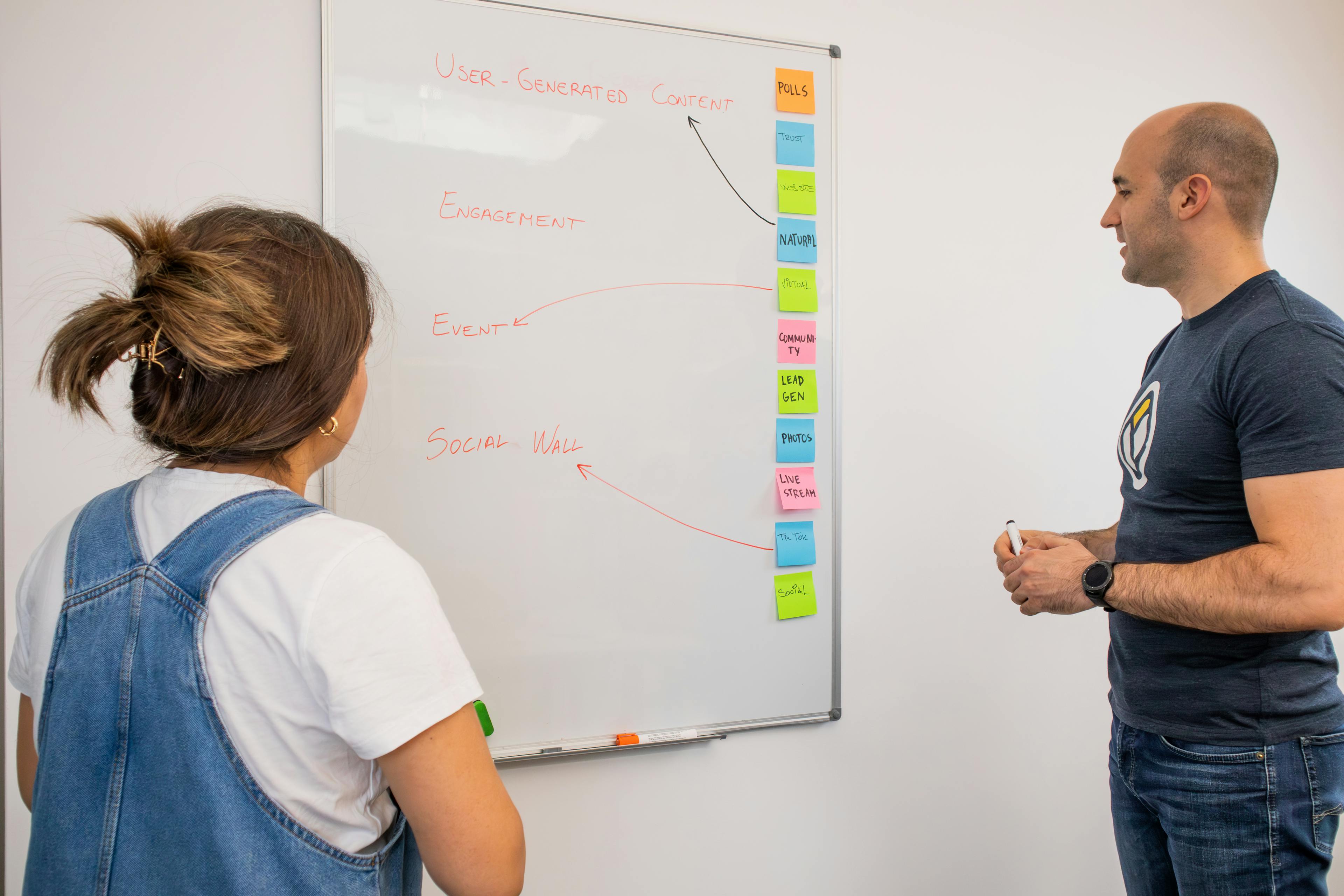
How AI Transforms Design for Busy Small Teams

In today’s fast-paced digital world, small businesses often struggle to keep up with the constant demand for high-quality visuals. Professional design used to require hours of manual labor or expensive agencies, but AI is changing that landscape. By understanding the core benefits of automated design, your team can save time while building a more credible and authoritative brand presence.
Take the example of a growing e-commerce store that needs daily social media updates. Instead of starting from a blank canvas every morning, they now use content-first tools to turn product descriptions into polished posts instantly. This shift allows their marketing team to focus on strategy rather than wrestling with complex layouts, resulting in a significant increase in production speed.
Transitioning to a smarter workflow doesn't mean losing creative control; it means gaining the freedom to scale your ideas. You can explore modern solutions like Veeso AI to simplify this transition. Start by identifying your most time-consuming design tasks and look for AI features that automate those specific bottlenecks to see immediate improvements in your overall team productivity.
What makes AI-powered design so revolutionary?
Have you ever felt like you have too many ideas but no way to show them? We all want our messages to stand out. It can be hard to make things look professional when you are in a rush. This is where AI-powered design starts to change everything for small teams.
I see so many creators struggle with complex software every day. You spend hours moving boxes around instead of writing great content. New tools now help us skip the boring parts and get straight to the beauty. It feels like having a helpful artist right by your side.
Improving visual communication
Most people process images much faster than they read plain text. Our brains are built to find patterns and colors before we even finish a sentence. Research from the Nielsen Norman Group shows that users only read about 20% of words on a page. Adding a clear image helps your friend or customer get the point instantly.

Let's look at a real example of this in action. A marketing team at Venngage found that 40% of marketers say original graphics perform best for their goals. They noticed that blog posts with custom visuals got 94% more views than those without. This happens because images help our brains store information in our long-term memory.
When we use visuals, we make our ideas easier to digest. It is not just about looking pretty. It is about being clear and helpful to your audience. Many experts agree that visual content is the most shared type of media on social platforms today.
Building brand credibility through design
First impressions happen in a split second when someone visits your page. If your design looks messy, people might think your work is messy too. I believe every small business deserves to look as reliable as a big corporation. Professional design helps you earn that trust from the very first moment.
A famous Adobe report found that 73% of companies invest in design to stand out. When your visuals match across every platform, you look like an expert who cares about details. This consistency tells your customers that they can rely on you for quality service every time.
Design acts as a silent helper that builds your authority. Stanford researchers found that 46% of people judge a website's credibility based on how it looks. Using clean layouts and nice fonts makes your message feel more honest and important to those who see it. It shows you respect their time and eyes.
Staying consistent is often the hardest part of branding. A study on brand consistency showed that keeping a steady look can increase revenue by over 20%. AI helps you keep your colors and styles the same without having to check every single file manually. It does the heavy lifting so you can stay creative.
Saving precious team resources
We often feel like there are not enough hours in the day. Small teams usually don't have a full-time designer to help with every post. This creates a bottleneck where good ideas get stuck waiting for a layout. AI tools help us break these walls down so we can move fast again.

Recent findings from McKinsey show that AI can boost marketing productivity significantly. It can take over repetitive tasks like resizing images or fixing text layouts. This lets your team focus on high-level strategy instead of pixel-perfect adjustments. You save money and keep your team from feeling burnt out.
Imagine turning a long document into a beautiful presentation in sixty seconds. Many busy teams now use Veeso AI to skip the manual design work entirely. By starting with your content first, you ensure the design actually serves your message. It is a smarter way to work that gives you hours of your life back.
I love seeing how technology makes professional results accessible to everyone. Even a simple change in how you handle visuals can lead to a big jump in sales. Reports show that companies using AI in their workflows see a 15% increase in lead generation. It is about working with more heart and less stress.
In the end, AI-powered design is about more than just speed. It is about making sure your best ideas actually reach the people who need them. When you communicate clearly and build trust, your business grows naturally. These tools are here to help us shine brighter than we ever could alone.
How do AI features improve design efficiency?
Designing can feel like a heavy task for small teams. You likely have many tasks and very little free time. AI tools work like a digital assistant for your brand. They help you create beautiful work much faster than before.
Many people worry that using AI is too hard or technical. The truth is that these tools are built for everyone. You do not need a degree to make professional visuals today. These smart features handle the difficult parts for you.
Automating tedious manual tasks
Some design jobs take a lot of time but stay boring. Removing backgrounds from photos used to take several minutes each time. Now you can use tools like remove.bg to do it instantly. This allows you to focus on the story you want to tell.
Resizing your images for different social media sites is also easier now. AI can shift the layout to fit a phone or a computer. Research on design efficiency shows that automation helps workers finish tasks much faster. You can keep your brand looking great on every single platform.
A small online clothing shop used AI to edit their catalog photos. They had over one hundred product images that needed clean white backgrounds. Using manual tools would have taken their team two full work days. The AI finished the entire project in less than ten minutes. This allowed them to launch their new seasonal collection a week early.

Expanding creative possibilities
Sometimes the hardest part of design is just starting. AI helps by suggesting colors and fonts that fit your mood. You can find beautiful pairings on sites like Google Fonts to match your style. This gives you a great starting point for every new project.
Visual communication is about more than just looking pretty. It helps your audience understand your message more clearly and quickly. Data shows that creative productivity grows when teams use smart suggestions. You can try new styles without being an expert designer yourself.
Tools like Veeso AI make this process even simpler for busy teams. This tool turns your written content into a polished layout in seconds. You do not have to move every box or line yourself. It builds the design around the words you already wrote.
Streamlining the revision process
Fixing mistakes or changing ideas often takes a lot of energy. AI helps you make these updates without starting from the beginning. A recent article in Forbes explains how AI improves team output by reducing rework. You can change a color or a font across many slides at once.
Research from the Harvard Business Review shows that AI changes how we create. It lets us test many ideas in a very short time. You can see how your post looks in blue or green instantly. This fast feedback helps you choose the best version for your audience.
The goal is to spend less time on buttons and more on ideas. Leading companies like Adobe found that AI tools help creators save hours of work. When you use these smart features, your work looks polished and professional. This builds trust with your customers every time they see your brand.
A marketing team at a small school needed to update their flyers. They had to change the dates and locations on fifty different graphics. In the past, this took a designer an entire afternoon to complete. They used an AI layout tool to update all the files at once. The task was finished in fifteen minutes and had zero typos.

Using AI is like giving your team a superpower for creativity. It removes the stress of learning complex software and saves your budget. You can now focus on growing your business while the tools handle the visuals. Next, we will look at how anyone can create great social media posts.
Can non-designers create professional social media visuals?
You do not need a design degree to make great posts. Many people feel worried about making their own graphics. They think they need expensive software or years of training. This is no longer true for modern teams.
The secret lies in understanding a few simple rules. You can use smart tools to do the heavy lifting. This allows you to focus on your message instead. We will show you how to start today.
Mastering social media carousels
Visual hierarchy is the most important part of a carousel. It helps you guide the eye of your reader. You should place your biggest message on the first slide. This helps to stop the scroll on busy platforms.
High engagement often comes from clear and helpful information. A study by Sprout Social shows that people love educational content. You should break your big ideas into small bites. Each slide should have one clear point.
A small bakery used this method to share recipes. They put a bright photo of bread first. Then they listed five simple steps on five slides. They saw their post saves go up by 30 percent. This helped them reach many new local customers.
Designer Rachel How demonstrates a practical step-by-step workflow for using AI tools to speed up design tasks and improve creative output.

Optimizing video content visuals
Visuals for video are more than just moving pictures. You need great thumbnails and clear text overlays. These elements help people understand your video before they click. Use bold fonts that are easy to read.
You also need to protect your work online. The YouTube Creator Blog gives helpful tips for this. They explain how to use content ID tools correctly. This ensures your creative work stays safe and unique.
Consistency is key for your video brand. Try to use the same colors for every thumbnail. This helps your fans find your videos quickly. It builds trust with your audience over time.
Creating engaging marketing graphics
Many teams use templates to save valuable time. HubSpot shared data about why visual content works so well. Their report shows that visuals help people remember facts. Good design makes your information stick in their minds.
Always customize your templates to look unique. Change the colors and fonts to match your brand. This prevents your posts from looking like everyone else. Your brand identity should shine through every image.
Some teams use a content-first design approach. This means the design fits your words perfectly. You can use Veeso AI to turn your writing into visuals. It helps you stay fast and professional at once.
Starting with your content makes design much easier. You do not have to be an artist. Just focus on being clear and helpful for your fans. This is how you win on social media.
Why is content-first design the next step?
Design often feels like a giant mountain to climb. You usually start with a scary blank box. Then you try to fit your message into it. This old way of working takes too much time. It makes simple tasks feel like hard work.
The secret is to flip the whole process around. You should start with your story instead of a template. Experts call this a content-first design strategy because it puts your message first. This approach makes sure your visuals match your goals perfectly.
Modern teams now use smart tools to work faster. You can use Veeso AI to turn your words into graphics. It builds the design around your content in seconds. This lets you focus on your ideas instead of moving boxes.
Turning copywriting into polished graphics
Good copywriting is the heart of every great post. You want your text to look professional and clean. Traditional tools make you adjust fonts and sizes by hand. This can take all afternoon for just one slide.
Let’s look at a real example from a marketing team. They struggled to keep up with daily social media posts. The team spent six hours every week on basic graphics. They decided to switch to a visual marketing strategy that prioritized their text.
They started using automated tools to create their designs. First, they wrote their captions in a simple doc. Next, the tool generated four different layout options instantly. Their production time dropped by 80% in the first month. This helped them post more often without extra cost.
Handling long documents with ease
Do you have long PDF or Word files? Turning a 10-page report into a visual is hard. Most people just copy and paste text into slides. This makes the design look messy and crowded. It is hard for your audience to read.
You can use a marketing workflow to organize these big files. Smart software can scan your document for key points. It finds the most important parts for you automatically. Then it creates a clear visual structure for each point.
Think about a teacher sharing a new lesson plan. She had a long study guide about history. She used a tool to summarize it into five visuals. This helped her students understand the topic much faster. Research shows that clear visuals improve how users read online content.
Maintaining full creative control
Some AI tools give you a flat image. You cannot change the text or the colors. This is frustrating when you notice a small typo. It means you have to start all over again.
You should look for design automation that keeps layers separate. This gives you the power to edit every single detail. You can swap an image or change a word easily. It feels like having a professional designer by your side.

Many creators choose Veeso AI for this exact reason. Every element in your design stays fully editable. You can fix a mistake in one click. This makes your final work ready for commercial use right away. Now that you know why content comes first, let's see how to pick the best software.
How should teams choose their design software?
Picking the right design tool can feel very overwhelming for your team. You want a solution that makes your daily life much easier. Many people feel stuck with tools that are way too complex. We should look for software that helps you finish tasks faster.
Your team needs to focus on your actual work and goals. Good design software should stay out of your way and help. It should turn your great ideas into beautiful visuals very quickly. Let's talk about how to find the perfect fit for you.
Evaluating your current bottlenecks
Start by looking at where your creative process slows down. Do you spend hours waiting for a simple graphic change? Some teams lose many days waiting for a designer to help. You can read reviews on G2 to see how others save time. Finding these slow spots is the first step to fixing them.
A small marketing agency struggled with their weekly social media posts. They spent six hours every week just resizing images for different platforms. This happened because their old software did not have any automation features. They switched to a faster tool and saved four hours each week. Now they use that extra time to plan better content for clients.
You should pick tools that fit into your current content workflow. Do not choose software that makes your simple tasks feel much harder. You can compare different options on Capterra to find the best match. The best tool is the one that your team actually enjoys using.

Balancing ease of use and control
You need a tool that is easy but still powerful. Some apps are too simple and make every brand look the same. Others are so hard that you need weeks of special training. You can learn about design principles from 99designs to see what matters. A good balance helps you create unique work without the heavy lifting.
Always prioritize editability so you are not stuck with generic results. You should be able to change every text and image layer easily. Professional organizations like AIGA provide great guides on quality standards for design. These standards help make sure your brand always looks very credible and strong.
Modern teams often choose a content-first approach to stay ahead. This means starting with your words and building the image around them. Many teams use Veeso AI to turn their copywriting into visuals instantly. This keeps you in control while the software handles the layout work.
Focusing on production-ready results
Your final graphics must look clean and professional for your customers. High-quality visuals help people understand and remember your information much better. Research from HubSpot shows that good visuals can improve engagement significantly. You should never settle for blurry images that look like drafts.
A tech startup needed professional slides for a big investor meeting. They used a tool that created sharp and clear data visualizations quickly. The investors praised the clear layout and professional look of the charts. This clear communication helped them secure the funding they really needed. They learned that professional visuals build trust with an audience very fast.

Clear and polished visuals help drive action and improve your results. Data from the Content Marketing Institute shows that visual content is very effective. You can achieve this by using tools that focus on the output quality. Using Veeso AI ensures your designs are always ready for commercial use.
The right choice will save you time and help you grow. Look for tools that let you focus on your content quality. You can check more stats at Venngage to see why design matters. Choosing well means your team can finally stop struggling with complex tools.