Free AI Wine Label Generator for Custom Wine Bottle Labels
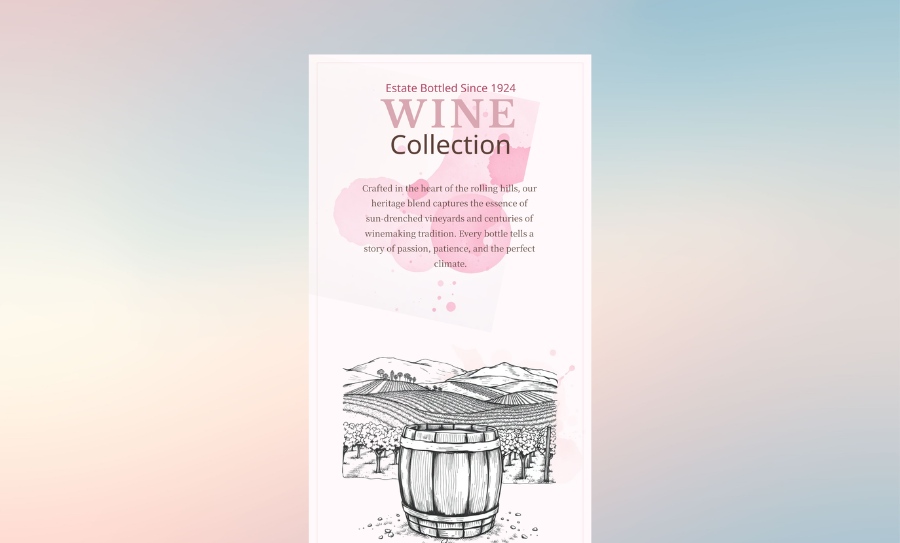
Create beautiful, print-ready wine labels in minutes with Veeso AI. Whether you're designing labels for a vineyard, homemade wine, weddings, gifts, or retail bottles, simply describe your idea or paste your content. Veeso automatically generates editable wine label designs ready for PDF export.
Three Ways to Generate Professional Wine Label Design
Describe Your Wine Labels to Wine Labels Generator
Describe your winery, event, or wine style. Veeso AI understands your content and automatically creates an elegant wine label with balanced typography, spacing, and branding.
- High-resolution PDF export
- Automatic visual hierarchy
- Custom grape variety fields
- Professional font pairings
Create Wine Labels with Magic Templates
Choose a Magic Template that matches your wine brand. Use it as a visual reference—not a fixed template. Veeso AI learns the label's design language, then generates a completely new wine label around your winery name, vintage, grape variety, and other custom details.
- Learns the visual style, not the template
- Fully editable design layers
- Matches your own winery content
- One-click color changes
Content-first wine label creator
Got your specs in a document? Paste them in. Veeso AI formats the info into a structured, clean label layout.
- Government warning formatting
- Precise ABV placement
- CMYK color profiles
- Clean regional typography
Why choose Veeso for your Print-Ready Wine Label
Design Around Your Wine, Not Around a Template
Traditional editors force your text into fixed layouts. Veeso understands your wine information first, then creates a label that naturally fits your content.
Try It Free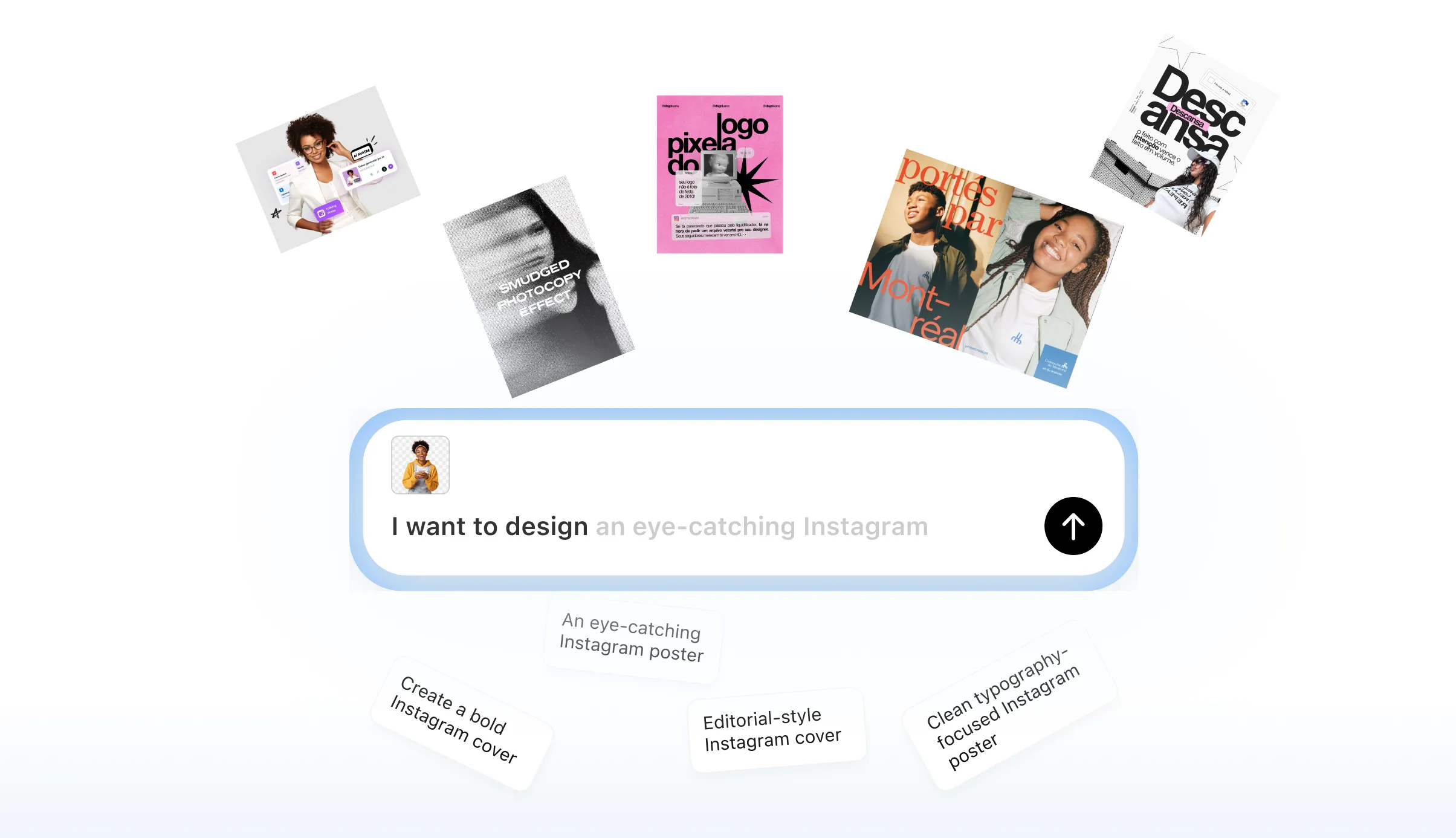
Fast custom labels for gifts
Personalizing wine for a wedding or event? Swap names and dates in seconds. Then grab a printable wine labels generator file.
Try It Free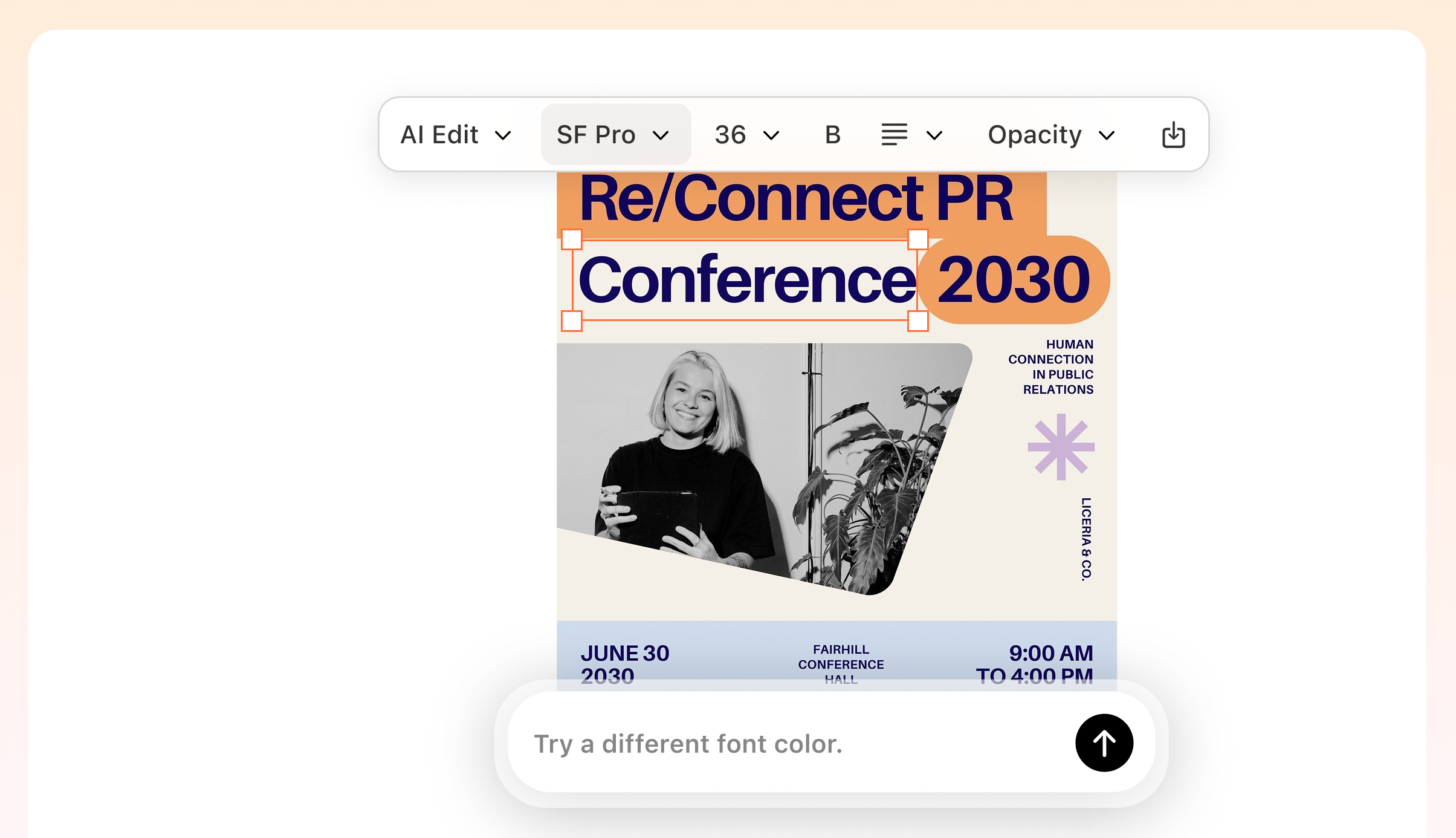
Build a Consistent Winery Brand
Pick a vibe that fits your vintage. You control the typography and layout. Create a look that feels truly high-end.
Try It Free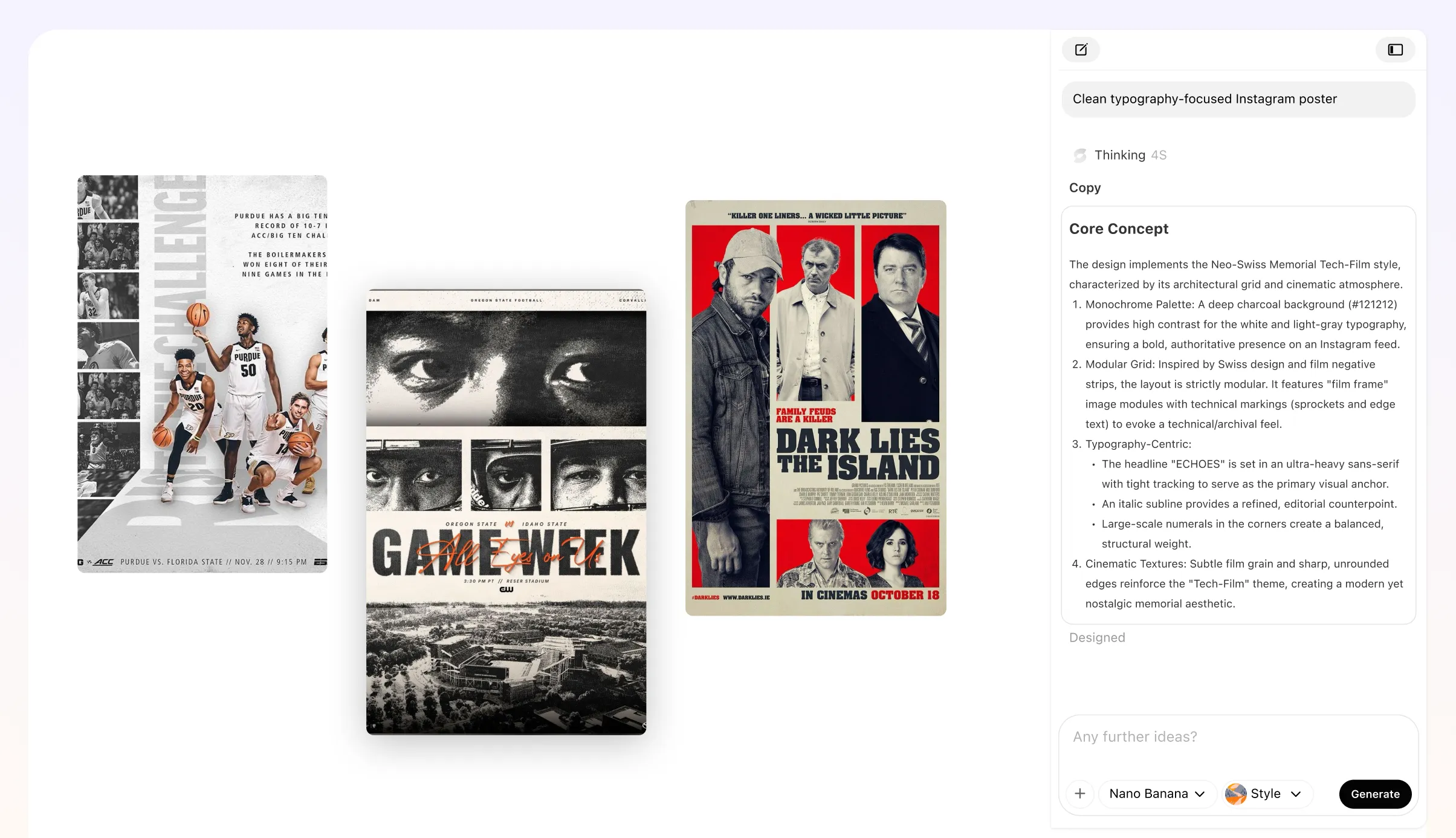
Get the regulatory details right
Typos on a bottle are a nightmare. Type your ABV and health warnings once. This design tool keeps them legal and readable.
Try It Free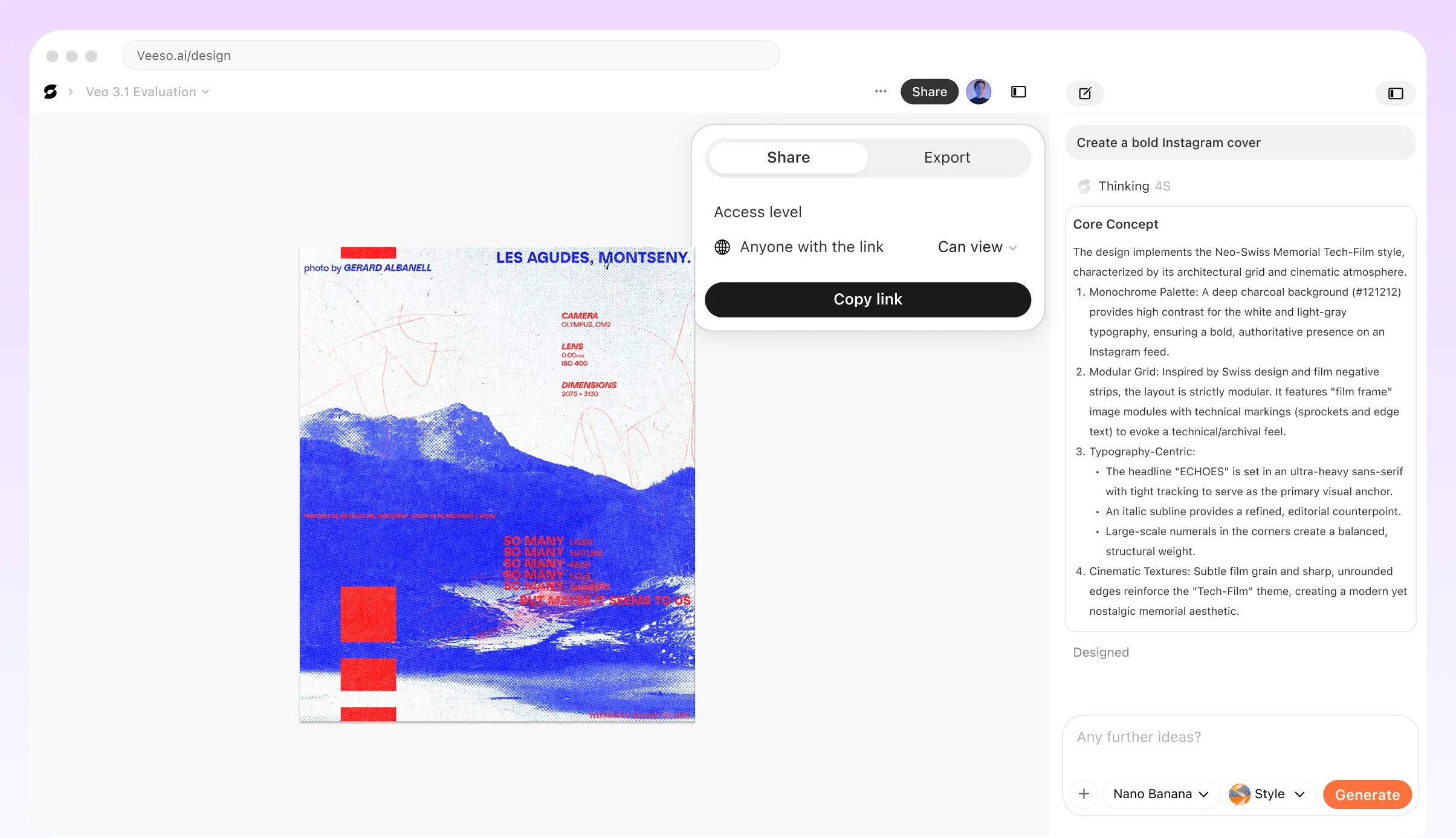
Who Needs a Pro-Grade Wine Labels Generator?
Boutique Vineyard Brand Identity
You need a label that looks expensive on the shelf. Type in your grape variety and vintage year. This wine labels generator builds a clean, minimalist layout for Bordeaux bottles.
Custom Wedding Wine Labels
Add your names and wedding date to mini bottles. It makes a perfect gift for your guests. Pick a romantic serif font and download printable wine labels in seconds.
Printable Homebrew Batch Labels
Just finished a fresh batch of Riesling? Use Veeso AI to design a label with your ABV and bottling date. Print them on adhesive paper for a pro look.
Corporate Holiday Wine Gifts
Sending bottles to clients? Drop in your logo and a quick thank-you note. This custom wine bottle maker handles the margins so your brand looks sharp.
Personalized Anniversary Wine Labels
Celebrate a milestone with a custom vintage look. Include a 'Special Reserve' note to make it feel unique. It’s the easiest way to make a one-of-a-kind gift.
Retail-Ready Wine Label Design
Selling your wine in shops? Ensure your government health warning and net volume are clearly visible. Get high-resolution files ready for professional CMYK printing.
Why Small Business Owners and Wedding Planners Choose Veeso AI
I run a tiny vineyard and needed labels fast. I typed my specs into the generator. The layout looks high-end. My Pinot Noir finally stands out on the shelf.
We needed 100 custom wine label templates for our wedding. I just pasted our names. The design fixed itself. We printed them on matte paper and they looked amazing.
Veeso AI made our company holiday gifts look great. I didn't have to mess with layers. The high-resolution PDF was perfect for the print shop.
How to Create High-Converting Custom Wine Label
Paste Your Wine Details to Wine Labels Generator
Add your winery name, grape variety, vintage year, tasting notes, and brand story. Veeso AI understands your information and prepares it for design.
Customize Your Label Design
Adjust fonts, colors, images, and layout with editable design layers. Fine-tune every detail until it matches your vision.
Download Your High-Resolution Label
Export your final design as a high-resolution PDF. Get professional-quality files ready for bottles, packaging, and printing.
FAQ
Ready to Create Beautiful Print-Ready Wine Label with Veeso AI?
Start Creating NowNo credit card required • Free to start • No design skills required
Explore More AI Graphic Design Use Cases
Discover more creative design scenarios powered by Veeso AI.