Create a Custom Tri-Fold Brochure Online for Free
Tell your story with a professional six-panel layout. This free AI brochure generator handles the margins and folding guides for you. Pick a printable tri-fold brochure template and download your high-res PDF.

Three Ways to Generate AI-generated tri-fold layout
Describe Your Vision to the Free AI Brochure Generator
Tell the AI what you’re selling or promoting. It builds a full 8.5 x 11 layout from scratch. No more staring at a blank white page.
- Smart panel content distribution
- Custom color palette generation
- Industry-specific image placeholders
- Automatic font pairing for headers
Pick a Style from the Free Online Tri-Fold Brochure Generator
Explore a library of professionally designed tri-fold brochure templates built for real business use. Choose a style you like, and Veeso instantly adapts it to your content while maintaining clean spacing and a consistent layout across all panels.
- Fully editable layers and text
- Standard folding guide overlays
- One-click image replacements
- High-resolution PDF export
Upload or Paste Content to Generate a Tri-Fold Brochure
Already have your menu, service list, or business info ready? Upload your file or paste your content, and Veeso automatically turns it into a structured tri-fold brochure layout with clear hierarchy across all three panels.
- Word and Markdown text import
- Auto-hierarchy for service lists
- Back-panel contact info formatting
- Precise 0.125-inch bleed support
Why choose Veeso for your professional brochure design tool
Automatically Structured Tri-Fold Layouts That Avoid Folding Issues
Designing a tri-fold brochure manually often leads to awkward text placement across folds. Veeso automatically structures your content into the correct three-panel layout, ensuring headlines, images, and text stay clear, readable, and perfectly aligned for print.
Try It Free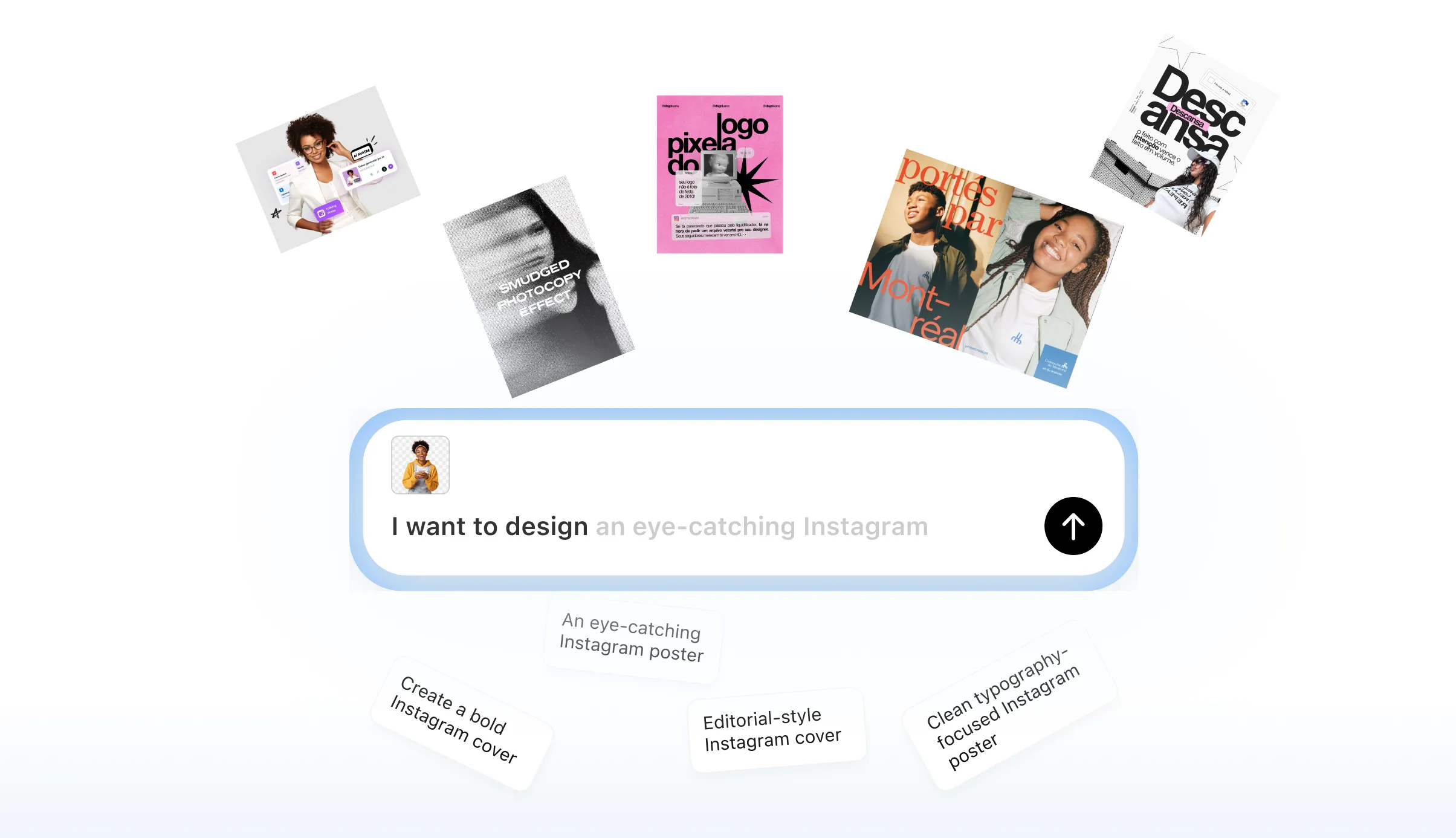
Master the Reader’s Journey with the Best Tri-Fold Brochure Design Tool
People read brochures in a specific order. Put your hook on the front and details in the center. This layout helps you organize info by unfolding priority.
Try It Free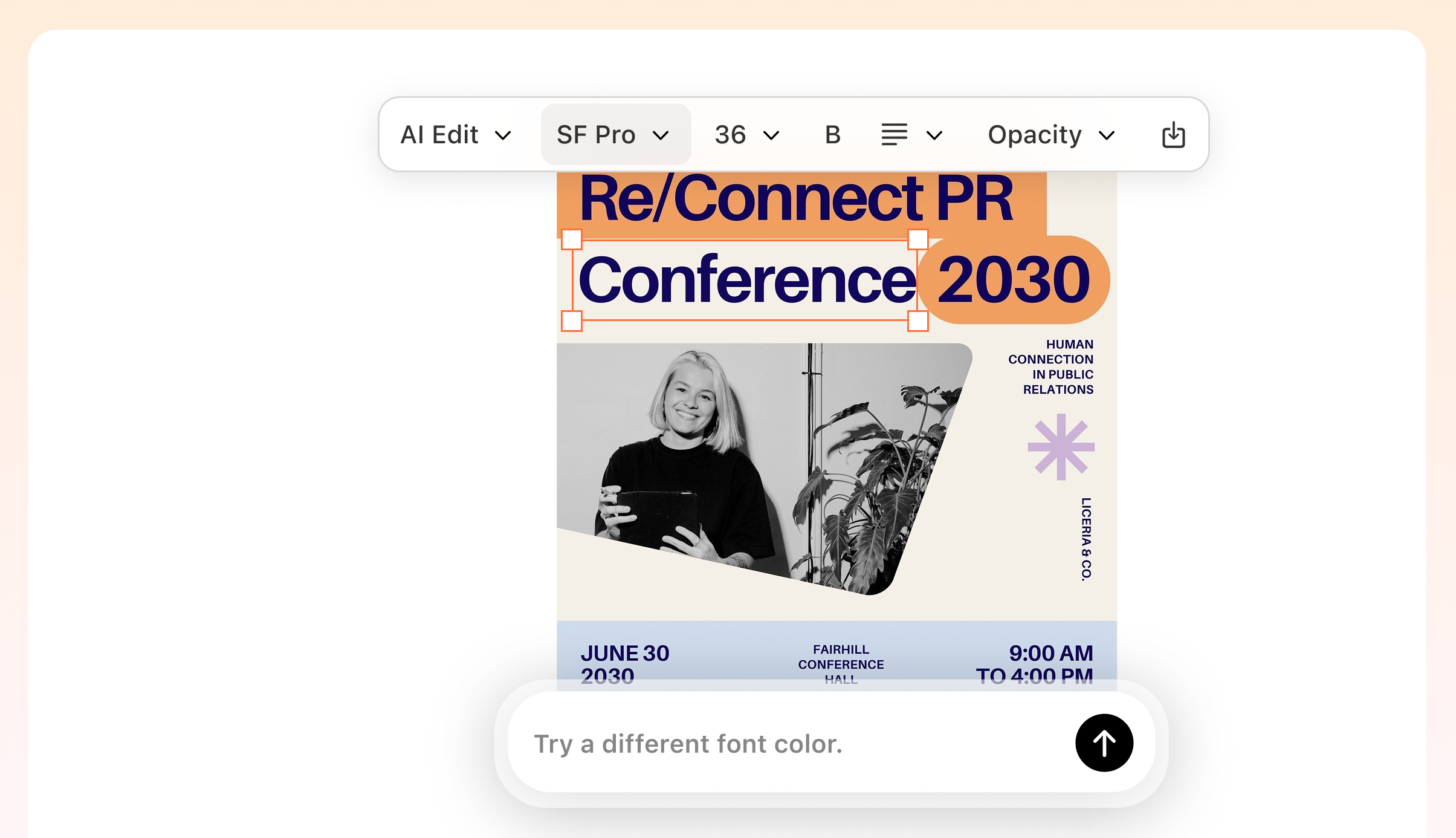
Consistent Branding Across Every Panel
A strong brochure needs consistent colors, fonts, and layout across all six panels. Veeso applies your brand style automatically, so every section stays visually aligned while still being fully editable whenever you need to make changes.
Try It Free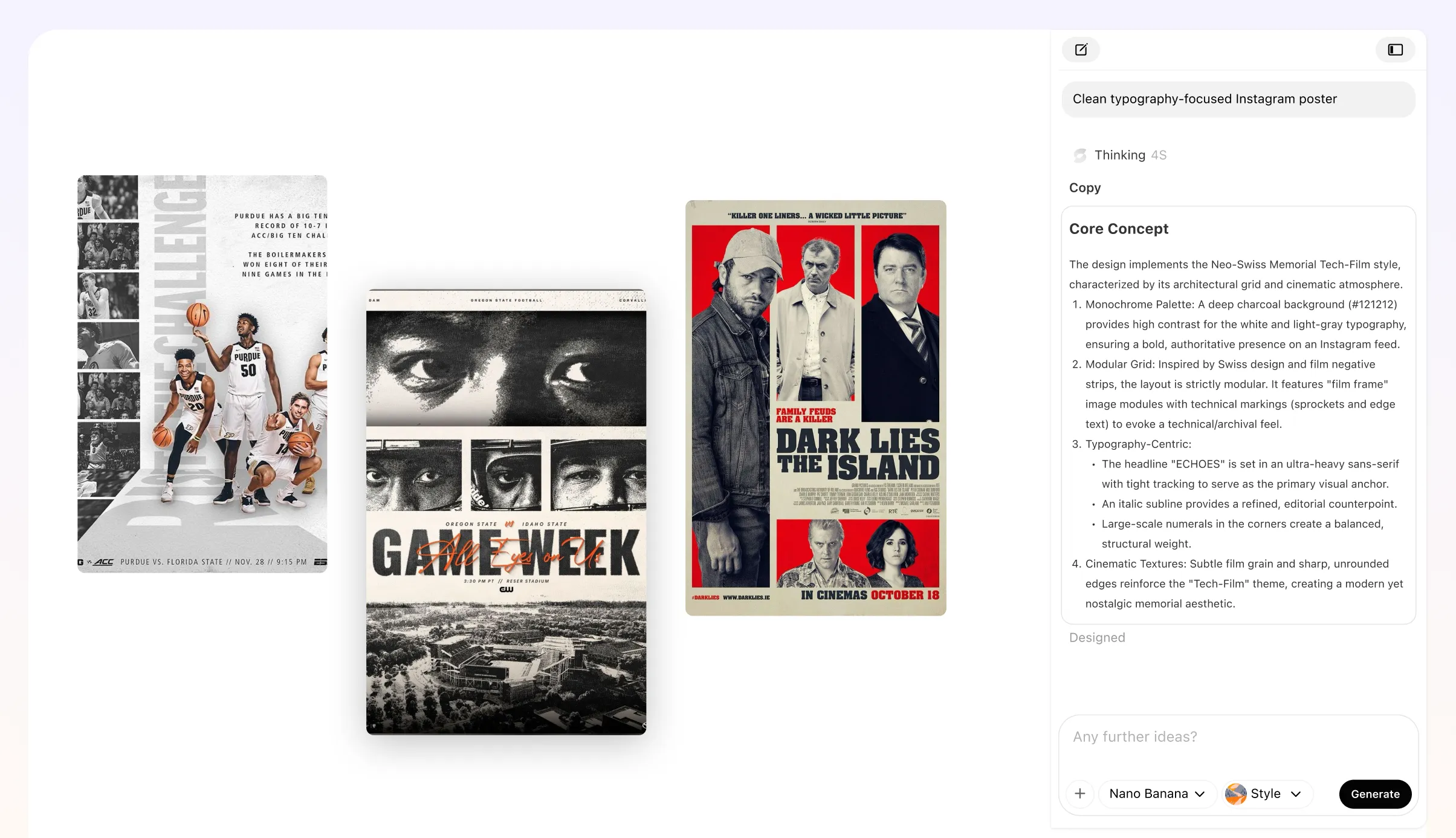
Get Print-Ready Files from Your Printable Tri-Fold Brochure design
Veeso generates high-resolution, print-ready files with proper bleed, CMYK color profiles, and precise layout settings. Whether you print at home or professionally, your tri-fold brochure will look sharp and polished.
Try It Free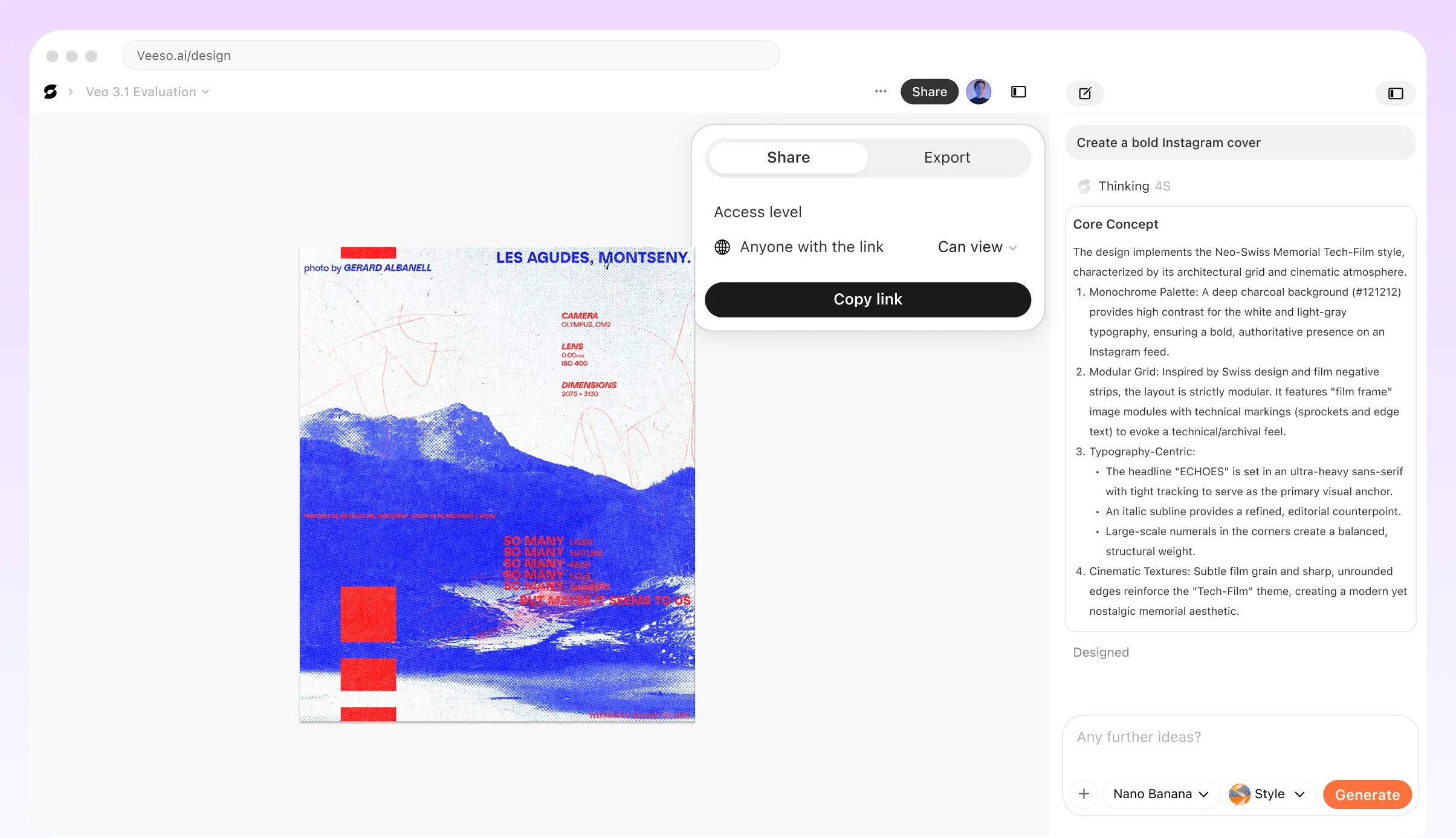
Practical Ways to Use a Professional Tri-Fold Brochure Generator
Grand Opening Tri-Fold Brochure Maker
You're opening a new local shop. Use the front panel for a big hook. Add a map and coupons inside. Hand these out to your new neighbors.
Memorial Service Tri-Fold Brochure Creator
Honor a loved one's legacy with a beautiful handout. Use the three-panel spread for photos and a timeline. This printable tri-fold brochure template keeps things simple.
Non-Profit Tri-Fold Brochure Generator
Veeso AI helps you explain your cause. Use the inside flap for your mission story. Put your contact info on the back. It makes professional tri-fold brochure design easy.
Professional Business Tri-Fold Brochure Design
Give investors something real to hold. This custom tri-fold brochure builder organizes your data. Put your main stats in the center. It looks better than a stapled packet.
Custom Restaurant Menu Tri-Fold Brochure
Show off your seasonal dishes. Use high-res images that stretch across the panels. It is the best way to make a tri-fold brochure online. Your diners will love it.
Wedding Guest Tri-Fold Brochure Template
Help your guests navigate the big weekend. List the ceremony, cocktail hour, and reception times. This printable tri-fold brochure fits perfectly in any welcome bag.
Why small business owners and non-profit coordinators Choose Veeso AI
I needed a menu for my pop-up dinner. This tri-fold brochure maker no sign up was perfect. The layout fit my three-course list beautifully. My customers kept asking who designed it.

Our non-profit had a big gala coming up. Veeso AI took our rough notes and made a stunning handout. We printed 200 copies on heavy cardstock. It helped us hit our goal.
I'm not a designer but needed local flyers fast. I found this free AI brochure generator and it worked. I just dropped in my photos. The PDF export was ready for the print shop.
How to Create High-Converting custom tri-fold brochure
Input your details into the tri-fold brochure generator
Enter your business details, paste your text, or upload a document. Veeso’s tri-fold brochure generator automatically turns your content into a structured, professional layout.
Refine your professional tri-fold brochure design
Refine the layout by adjusting sections, images, colors, and fonts. Every element stays fully editable while maintaining a consistent, balanced design across all panels.
Export a Printable Tri-Fold Brochure Design
Download a high-resolution tri-fold brochure template PDF with print-ready settings. Your design is ready for professional printing or at-home use.
FAQ

Ready to Create Professional Brochure Design Tool with Veeso AI?
Start Creating NowNo credit card required • Free to start • No design skills required
Explore More AI Graphic Design Use Cases
Discover more creative design scenarios powered by Veeso AI.