
Father's Day Service Promotion Campaign Generator
Build a complete Father's Day campaign for your service business — offer structure, copy, and visuals all in one place. Describe your service and promotion, then get ready-to-use campaign assets. Export polished print-ready files when your content is set.
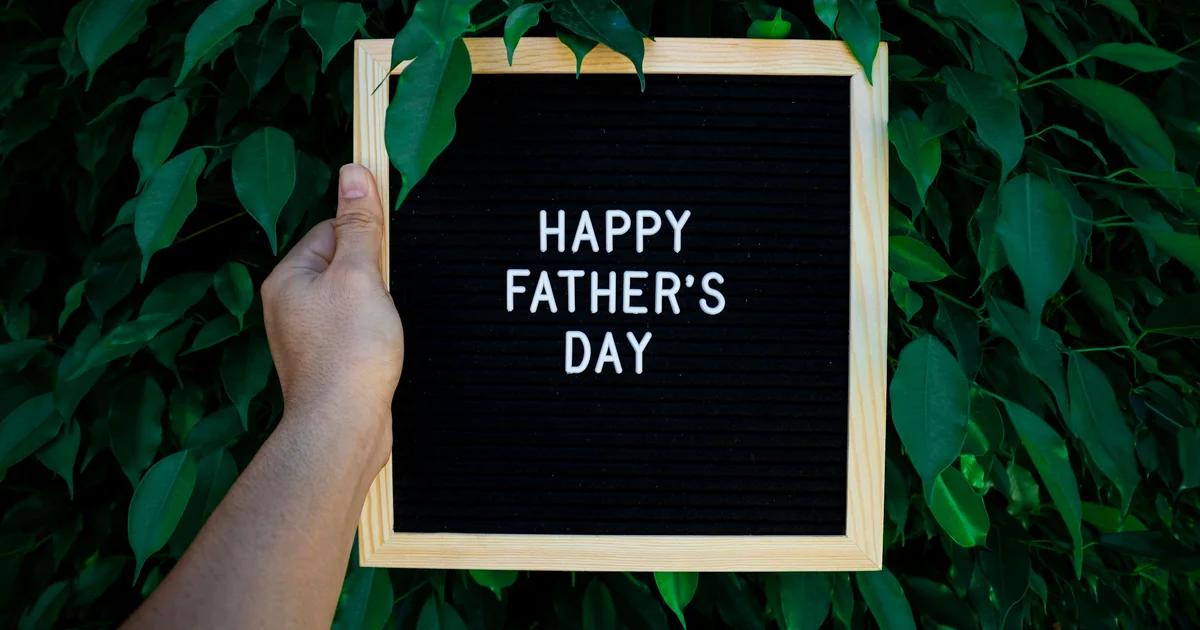
Three Ways to Generate Father's Day service promotion flyers
Describe Your Father's Day Service Offer and Let AI Build the Layout
Type in your bundle name, price, booking window, and any fine print — the AI auto-layouts a finished Father's Day promotional flyer around your actual copy. This works well when you know your offer but don't want to spend time arranging text boxes and image frames. Every element the AI places is a fully editable layer, so you can move, resize, or rewrite anything before you export.
- Auto-formats your service bundle details into a scannable visual hierarchy
- Places your booking deadline and cutoff date in a prominent position
- Suggests a layout that fits your channel — print flyer, social square, or offer sheet
- All text, images, and layers stay editable after generation
Start From a Father's Day Service Promotion Template and Swap In Your Details
Pick a Father's Day campaign template built for service businesses — not a retail sale banner — and replace the placeholder copy with your bundle name, pricing tier, and booking link. Templates give you a proven visual structure so you're not guessing at spacing or font hierarchy. You get a coordinated set of assets for different formats without designing each one from scratch.
- Templates built around service offer formats, not product discounts
- Swap bundle names, session details, and pricing in each text layer
- Duplicate the template across flyer, social, and signage sizes
- Adjust colors and imagery to match your business without breaking the layout
Import Your Existing Offer Document and Get Structured Campaign Visuals Back
If you've already written your Father's Day service promotion in a Word doc, PDF, or Markdown file, you don't need to retype it into a design tool. Import the document and get structured visual pages back — each section of your offer becomes a designed layout block you can edit. This method is especially useful when you're building a multi-page offer sheet or a campaign brief that needs to look polished for a client or franchise partner.
- Import Word, PDF, or Markdown files with your offer copy already written
- Each section of your document maps to an editable visual page
- Output includes print-ready and screen-ready formats from the same source
- Edit any layer after import — nothing is locked or flattened
Why choose Veeso for your Father's Day campaign visual sets
Keep Your Service Bundle Messaging Clear Across Every Channel
A Father's Day service bundle — think a grooming package, a car detailing deal, or a spa gift set — has more moving parts than a simple discount code. You need consistent pricing, offer details, and booking instructions across your flyer, social post, and in-store signage. When all your visual assets come from one coordinated campaign set, nothing gets out of sync and customers see the same clear offer everywhere they look.
Try It Free
Build Deadline Urgency Into Your Father's Day Promotion From the Start
Service businesses live and die by booking windows. A Father's Day campaign that doesn't communicate your cutoff date — last day to book, last day to redeem — leaves revenue on the table. Designing your early-bird, last-chance, and booking-cutoff visuals as a matched sequence means your urgency messaging escalates naturally without looking like a scramble.
Try It Free
Write Copy That Fits a Service Offer, Not a Retail Shelf
Generic flyer templates default to retail language: sale price, add to cart, shop now. Service businesses need different cues — book now, gift a session, reserve your spot. Starting your Father's Day promotional campaign with service-specific copy and layout defaults saves you from rewriting every text box and keeps your offer sounding professional from the first draft.
Try It Free
Move From Father's Day Campaign Ideas to Print-Ready Assets Without Starting Over
Most service business owners already have the offer figured out before they open a design tool. The frustrating part is rebuilding that offer from scratch inside a blank canvas. A campaign generator that takes your existing copy and structures it into a finished, editable visual set cuts that gap and gets you to a production-ready flyer, offer sheet, or social graphic without losing the details you already wrote.
Try It Free
Who Uses a Father's Day Service Promotion Campaign Generator?
Spa and Wellness Studios Packaging a Father's Day Gift Bundle
A day spa wants to turn individual services into a compelling Father's Day gift offer, but pricing three treatments as a bundle feels awkward without the right framing. A Father's Day service promotion campaign generator helps structure the bundle with clear inclusions, a single price point, and a short deadline to encourage early booking. The output gives the studio ready-to-use offer copy, a booking cutoff date, and a CTA that moves gift buyers from browsing to committing. No starting from scratch, no guessing what to include.
Auto Detailing Shops Running a Last-Chance Deadline Reminder Campaign
An auto detailing business knows most Father's Day bookings come in the final four days before the holiday. Without a planned deadline reminder sequence, those late buyers either miss the window or book a competitor. A fathers day deadline reminder campaign maps out an early-bird message, a mid-week nudge, and a last-chance alert timed to the booking cutoff. Each message has a specific job: the first builds awareness, the second adds urgency, and the third closes the fence-sitters. The business fills its schedule without discounting heavily.
Personal Training Studios Adapting Campaign Copy for a Local Market
Father's Day falls on different dates in the UK, US, and Australia. A personal training franchise with locations in multiple countries can't send the same campaign on the same day to every list. A fathers day promotional campaign for service businesses that accounts for regional dates prevents the embarrassing mistake of promoting a holiday that already passed. The generator lets the studio swap the date, adjust the offer window, and keep the rest of the copy consistent across markets. Each location gets a campaign that lands at the right time.
Home Service Contractors Converting Email Subscribers into Father's Day Bookings
A landscaping or home cleaning company has an email list but rarely runs seasonal promotions. Father's Day is a natural moment to re-engage past customers with a limited-time service deal framed as a gift idea. A fathers day email campaign generator produces subject lines, body copy, and a clear CTA built around a specific service offer rather than a generic discount. Veeso AI can turn that copy into a polished, print-ready email header or social graphic that matches the promotion's tone, giving the campaign a consistent look without a design team.
Barbershops Planning a Full Promotional Timeline from Launch to Cutoff
A barbershop owner wants to run a Father's Day campaign but doesn't know when to start, what to say each week, or when to stop taking bookings. A fathers day seasonal promotion coordinator maps the full timeline: campaign launch date, social post schedule, gift card push window, and the final booking cutoff before Father's Day. Each phase has a clear goal and a suggested message type. The owner stops improvising and works from a plan that matches how customers actually decide to book a grooming gift.
Fitness and Recovery Studios Reusing a Campaign Structure for Future Holidays
A recovery studio ran a strong Father's Day service bundle last year but saved nothing reusable. This year, a fathers day marketing campaign generator helps them document the offer structure, the messaging sequence, and the timeline in a format they can actually adapt next season. Veeso AI can produce editable visual assets from the same campaign brief, so the promotional flyer, social card, and gift certificate design stay on-brand and are easy to update for the next holiday. The studio builds a repeatable system instead of rebuilding from zero every time.
Why spa owners, auto detailers, fitness coaches, and home service operators Choose Veeso AI
How to Create High-Converting Father's Day promotional campaign materials
Define Your Service Bundle and Set Your Pricing Tiers
Decide what you're offering — a single session, a gift package, or a tiered bundle at two or three price points. Write out the service names, prices, and any booking conditions before you open a design tool, so your campaign copy is ready to drop in without guessing.
Set Your Campaign Window and Confirm Your Regional Father's Day Date
Father's Day falls on different dates depending on your country, so confirm the date your customers observe before you set your promotion window. Map out your early-bird open date, your last-chance reminder date, and your booking cutoff so every deadline is clear before you start designing.
Generate Your Promotional Flyers and Campaign Visual Set
Use your offer copy and campaign dates to generate a coordinated set of Father's Day promotional materials — a print flyer, a social-ready graphic, and an in-store or counter card if you need one. Tools like Veeso AI let you paste your copy and get a finished, editable layout back, so you're not building each asset from a blank canvas. Make sure every asset shows the same bundle name, price, and booking deadline.
Export Production-Ready Files and Distribute Across Your Channels
Export high-resolution PNG or PDF files for each asset and hand them off to your printer, post them to your social channels, or attach them to your email campaign. Veeso AI exports print-ready files directly — your designer or print shop won't need to reformat anything. Keep your editable project file saved so you can update the deadline copy for your last-chance reminder without rebuilding the whole layout.
FAQ

Ready to Create Beautiful Father'S Day Campaign Visual Sets with Veeso AI?
Start Creating NowNo credit card required • Free to start • No design skills required
Explore More AI Graphic Design Use Cases
Discover more creative design scenarios powered by Veeso AI.



