
Tax Season Campaign Generator for Accounting Firms
Build a full client outreach sequence covering document collection, deadline reminders, and filing deadline education. Describe your firm and client mix, then get editable visual assets for every campaign phase. Stop building each piece from scratch during your busiest season.
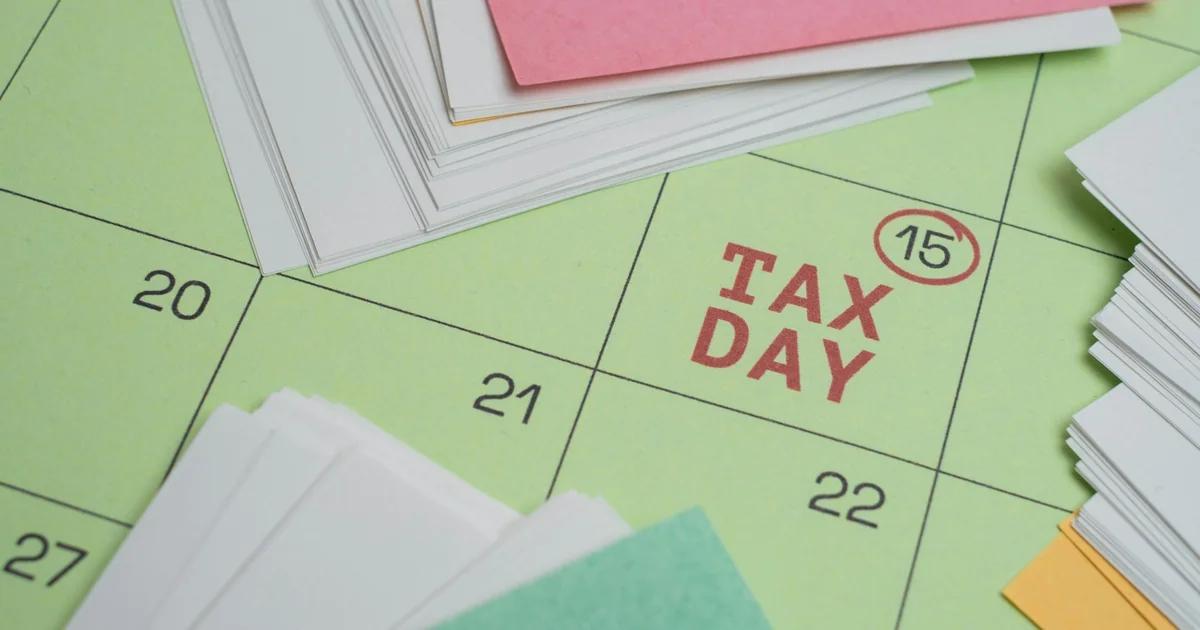
Three Ways to Generate tax season visual campaign asset sets
Describe Your Campaign Sequence and Let AI Build the Visual Set
Tell the generator what phase of tax season you're in, who your client segment is, and what action you want them to take. The AI drafts copy suggestions and assembles a coordinated visual layout for that touchpoint in seconds. This works especially well when you need a full document readiness prompt sequence for tax season without designing each reminder individually.
- Input your firm name, client segment, and filing deadline to get a tailored reminder graphic
- Generate Phase 1 document collection prompts, Phase 2 deadline education cards, and Phase 3 filing confirmation nudges as a matched set
- Adjust tone from formal to friendly without rebuilding the layout
- Export each asset as a print-ready PDF or a web-ready PNG — files are ready for you to use in whatever channel your team manages
Start From a Tax Season Template and Customize for Your Firm
Pick a layout built for accounting firm tax season ad campaigns, then swap in your logo, brand colors, deadlines, and client-specific language. Templates give you a proven visual structure so you're not guessing at hierarchy or spacing during your busiest months. Veeso AI's template library includes styles suited to professional services firms, so the starting point already looks like it belongs to your industry.
- Choose from deadline reminder, document checklist, filing confirmation, and deadline education layouts
- Replace placeholder text with your actual IRS filing deadlines and firm contact details
- Edit every text box, color block, and image layer directly without design software
- Duplicate a template across client segments and update only the segment-specific details
Import Your Existing Campaign Content and Turn It Into Designed Assets
If your team already drafted document checklists or deadline education content in a Word file or PDF, you don't need to start over. Paste or upload that content and the tool structures it into polished, print-ready visual pages. This is the fastest path for firms that have the words but not the time to design a multi-phase tax season campaign from scratch. Note that Veeso produces editable design files only — distributing or sending those assets through any channel is handled entirely by your team using your own tools.
- Import a Word doc or PDF containing your tax season client communication content
- Automatically flow long-form content into multi-page visual layouts
- Edit any section after import to tighten copy or update a deadline date
- Export the full campaign set as a single PDF or as individual assets per phase
Why choose Veeso for your editable tax deadline reminder graphics
Keep Every Client Deadline Visible and Actionable
Tax season moves fast, and clients who miss document deadlines push your whole schedule back. A well-designed deadline reminder graphic puts the date, the ask, and the next step in one clear visual so nothing gets buried in a long email. Firms that use editable graphics for each phase of their outreach report fewer last-minute scrambles and more complete document packets arriving on time.
Try It Free
Match Your Messaging to Each Client Segment
A self-employed contractor needs different reminders than an S-corp owner or a W-2 household filer. Generic one-size-fits-all tax notices get ignored because they feel irrelevant. Editable campaign visuals let you swap out the headline, the document checklist, and the deadline language for each audience without rebuilding the layout from scratch every time.
Try It Free
Run a Multi-Touch Campaign Without Designing Every Piece by Hand
A complete tax season outreach sequence covers document collection, IRS filing education, and deadline confirmation across six to ten touchpoints per client. Designing each piece individually eats hours your team doesn't have in February and March. An AI tax season campaign generator produces coordinated visual assets for the full sequence so your team can review and finalize instead of starting from a blank page.
Try It Free
Produce Print-Ready and Digital Assets From the Same Source
Some clients respond to a mailed postcard. Others open every email but ignore physical mail. A multi-channel approach is widely recommended in marketing practice because relying on a single format limits your reach. When your campaign visuals are fully editable and export to both high-resolution PDF and PNG, you can feed the same design into your print vendor, attach it to an email your team sends, and share it on your social profiles without reformatting anything.
Try It Free
Who Uses an Accounting Firm Tax Season Campaign Generator?
Document Collection Sequence for Individual Tax Clients
Many individual clients wait until late March to gather W-2s, 1099s, and deduction records, which leaves your team scrambling. A structured document readiness visual sequence gives you a ready-to-design series of graphics that walks clients through exactly what to pull together and when. Each visual builds on the last, so clients arrive at their appointment prepared instead of empty-handed. You can customize the tone for first-time filers versus long-term clients without rebuilding the layout from scratch, freeing your staff to focus on actual preparation work during the firm's busiest stretch.
Deadline Reminder Campaign for Small Business Owners
Small business clients often confuse quarterly estimated tax dates with annual filing deadlines, which leads to penalty calls your team has to field at the worst possible time. A deadline reminder campaign built around IRS filing deadline education gives you a multi-touch visual cadence that surfaces the right dates at the right moment. You can segment by entity type, so an S-corp owner gets different reminder graphics than a sole proprietor. Designing this kind of tax season client communication by hand for every segment takes hours. A tax season campaign generator for accountants compresses that work into a structured set of editable visual assets you can review and finalize.
Filing Readiness Outreach for CPA Firms Before Peak Filing Crunch
The window between late January and mid-February is when clients are most receptive to deadline education and document preparation prompts. A structured visual outreach set for accounting firms uses a short sequence of deadline reminder and document checklist graphics to communicate urgency around filing preparation without sounding pushy. The first graphic explains why early document submission benefits the client. The second surfaces a specific deadline for document delivery. The third is a brief follow-up reminder for clients who have not yet responded. This kind of structured visual sequence helps your team communicate a clear, consistent message before the peak crunch hits.
Self-Employed Client Education Sequence Covering Quarterly and Annual Obligations
Freelancers and self-employed clients carry a different set of obligations than W-2 employees, but many firms send them the same generic tax season visuals. A deadline education visual set built specifically for this group can cover estimated payment timing, Schedule C preparation reminders, and home office documentation prompts in a logical order. When you use an AI tax season campaign generator to produce this visual sequence, you get a starting point that already reflects the self-employed filing context rather than a blank canvas. You review, adjust for your firm's voice, and finalize. The result is messaging that feels tailored without requiring your team to build every asset from scratch.
Visual Client Education Assets for Tax Deadline Awareness
Some clients ignore text-heavy messages but respond to a clear one-page visual that shows key dates and what they need to do before each one. Turning your deadline sequence into a printable or shareable graphic makes the information easier to scan and harder to overlook. Veeso AI lets you paste your deadline content and produce an editable, print-ready layout your team can adjust without a designer. You can create versions for individual filers and small business clients without rebuilding the layout each time. The output is a high-resolution file you can attach to an email, print for your lobby, or share as a PDF through your existing client portal.
Coordinated Campaign Asset Set for Accounting Firm Tax Season Marketing
Running a cohesive tax season marketing campaign across email, social, and print means your visuals need to look and sound consistent even when the formats differ. Designing matching assets for each channel separately is slow work during a period when your team has little spare time. An accounting firm tax season campaign generator can help you produce a structured visual set covering social graphics, email header images, and reminder cards in one pass. For the visual side, the tool can turn your existing copy into a coordinated set of editable design assets so your social graphics, email attachments, and printed handouts share the same layout logic and brand feel.
Why CPAs, tax preparers, and accounting firm partners Choose Veeso AI
How to Create High-Converting multi-phase tax season campaign visuals
Map Your Three Campaign Phases Before You Design Anything
Decide what you need to communicate in each phase: document collection prompts eight to ten weeks out, IRS filing deadline education four to six weeks out, and filing readiness confirmation nudges two to three weeks before April 15. Writing down the goal, the audience segment, and the call to action for each phase before you open any design tool saves you from rebuilding assets mid-campaign.
Generate or Select a Visual Layout for Each Phase
Use a prompt-based AI tax season campaign generator to describe each touchpoint, or pick a template that matches the phase — whether that's a document checklist card, a deadline education graphic, or a filing confirmation notice. Each phase should have its own distinct visual so clients can tell at a glance where they are in the process.
Edit Every Detail for Your Firm and Your Client Segments
Update the deadline dates, your firm's contact information, and any segment-specific language directly in the editable layout. If you serve both individual filers and small business owners, duplicate the asset and swap the headline and checklist items rather than designing two separate pieces from scratch.
Export Your Campaign Assets and Hand Them Off to Your Delivery Channels
Export each phase as a high-resolution PNG or as a print-ready PDF. The design tool produces the visual files. Your team then handles delivery — whether that means attaching files to emails, handing them to a print vendor, or uploading them to your social scheduler — so keep those workflows separate and hand off clean files.
FAQ

Ready to Create Beautiful Editable Tax Deadline Reminder Graphics with Veeso AI?
Start Creating NowNo credit card required • Free to start • No design skills required
Explore More AI Graphic Design Use Cases
Discover more creative design scenarios powered by Veeso AI.



